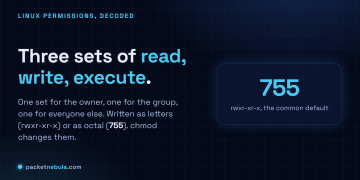





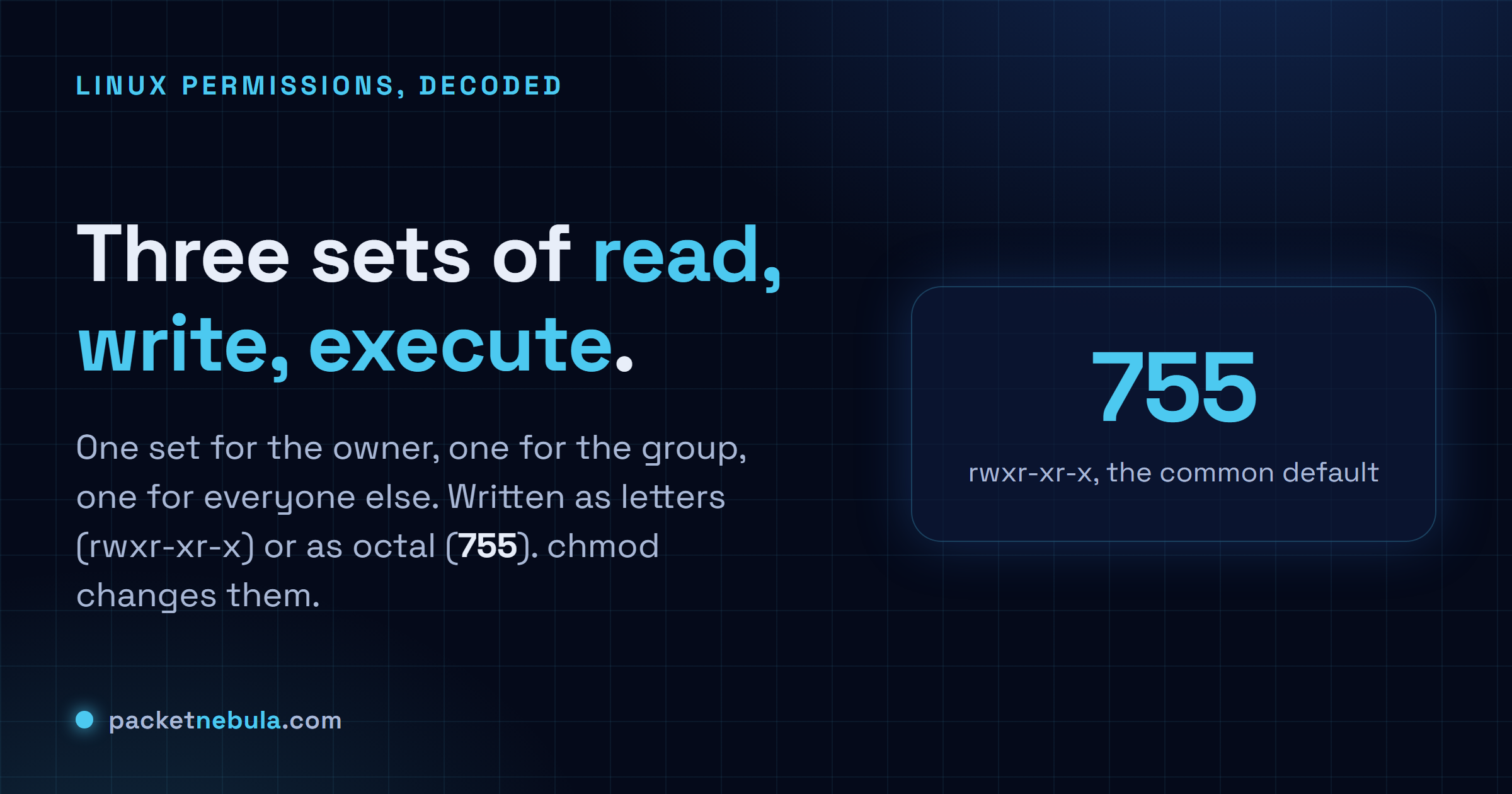
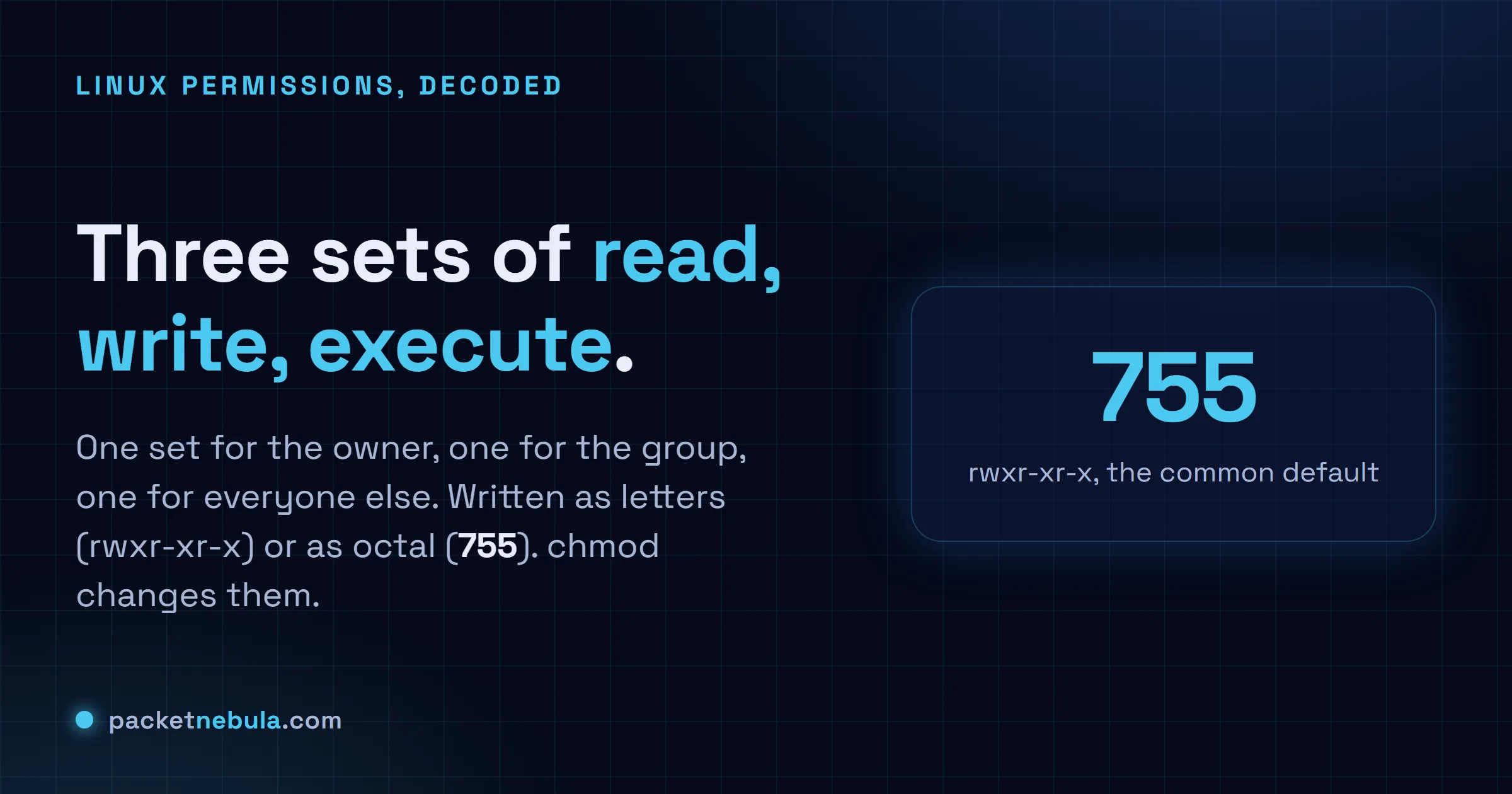
You chmod a file, it works, you move on, and permissions stay a thing you never quite have to learn. Then a script won't run, throwing Permission denied, or a web server returns 403 on a file that's obviously sitting right there, and the rwx letters suddenly matter. The model under them is small, though. In Linux, a file's permissions are three blocks, owner then group then everyone else, and each block is just three switches: read, write, execute. You write them as letters (rwxr-xr-x) or as one octal digit per block (755), and chmod is how you change them. We'll read a real ls -l line, do the octal in our heads, and spend the most time on the part that actually catches people: what the execute bit does to a folder.
The short answer
Three permission blocks per file: owner, then group, then everyone else. Each block is three switches, read, write, execute. Write them as letters (rwxr-xr-x) or as one octal digit per block (755). chmod flips them. The one that fools everyone is execute on a directory, where it does not mean run, it means you are allowed in.
What ls -l is actually telling you
Run ls -l and the first thing you get is a column of letters and dashes that reads like line noise:
-rw-r--r-- 1 ada staff 2.1K Jun 18 09:14 notes.txt
drwxr-xr-x 5 ada staff 160 Jun 18 09:14 project
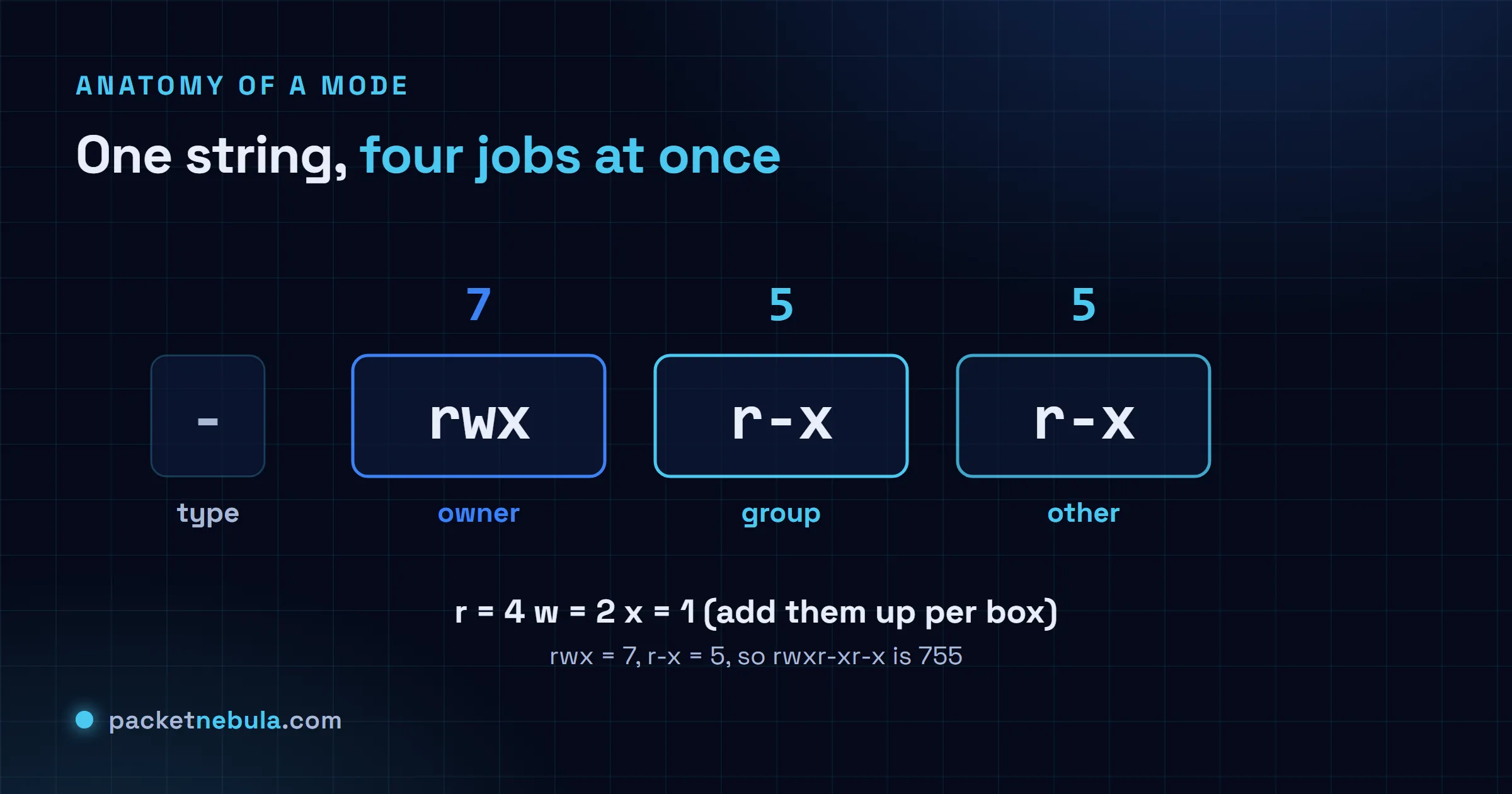
Ignore the very first character for a second (it’s just the type: - for a file, d for a directory, l for a symlink). The nine after it are the permissions, in three blocks of three. Owner, then group, then everyone else. Inside each block the order never changes, read then write then execute, with a dash standing in wherever a switch is off.
So notes.txt is rw- for the owner, r-- for the group, r-- for the rest. Ada reads and edits it, everyone else only reads. On a file those verbs mean what they say: read opens it, write changes what’s inside, execute runs it as a program or script. One catch worth pinning down now, because it bites people later: deleting a file isn’t the write permission on the file. It’s the write permission on the folder holding it. The file is just a name in that folder’s list.
The octal shortcut: 644, 755 and friends
Counting dashes gets old, so each block of three collapses into a single digit. Read is worth 4, write 2, execute 1, and you add up whatever’s switched on. rw- is 4 plus 2, so 6. r-x is 4 plus 1, so 5. rwx is the full 7. Nothing on is 0.
Three blocks, three digits. rw-r--r-- is 644. rwxr-xr-x is 755. And chmod 644 notes.txt sets exactly that in one move. The handful you end up typing without thinking:
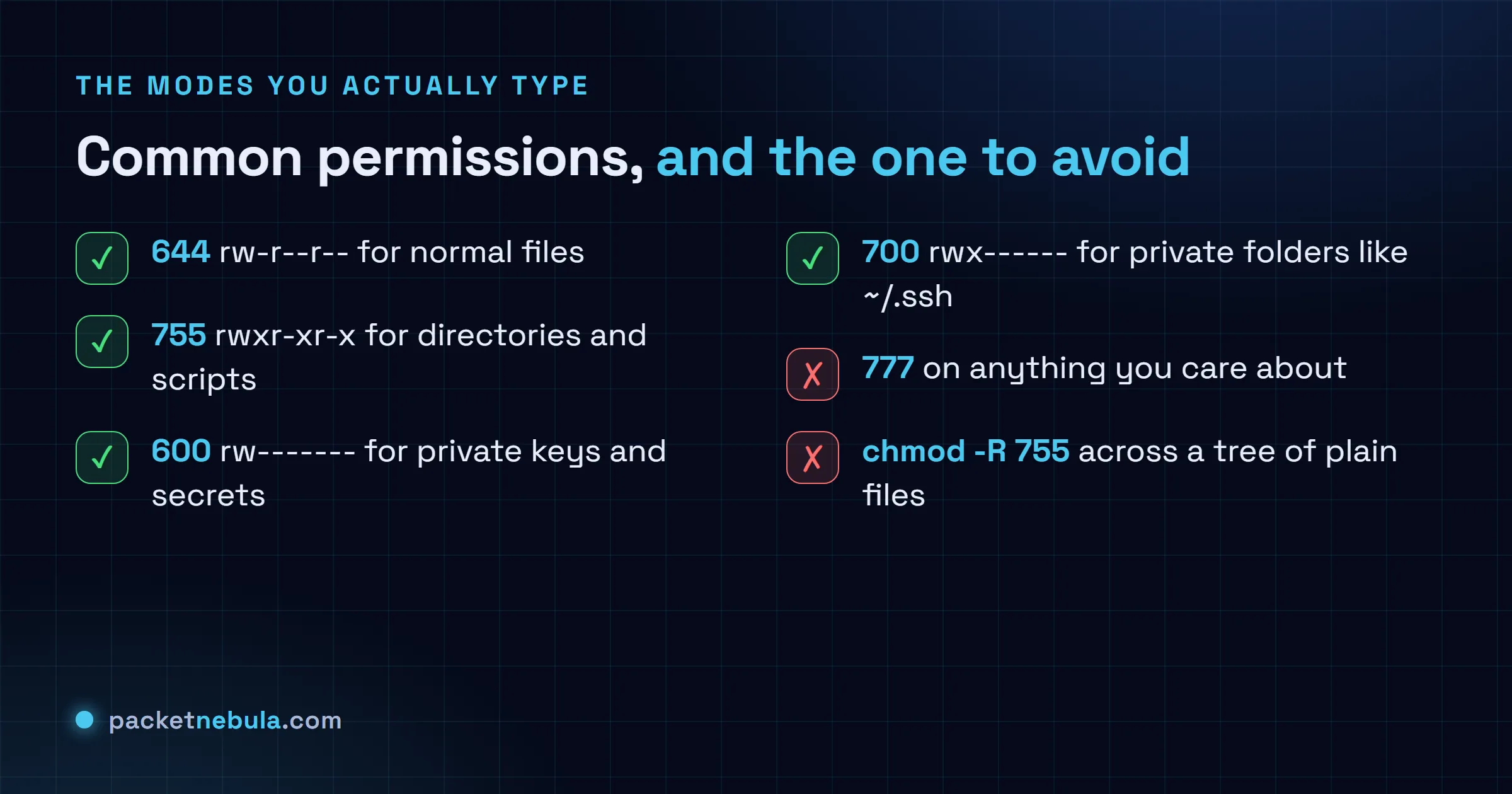
644for ordinary files. Owner writes, everyone reads.755for directories and for scripts that should run.600for something only you should read, like a key.700for a folder nobody else should even open.
I think in octal for those and only drop to the letters when I’m flipping one switch. Which is the next bit.
chmod the symbolic way
The numeric form rewrites all nine switches at once. Sometimes you want just one. That’s what the symbolic syntax is for: who (u owner, g group, o others, a all), an operator (+ add, - remove, = set), then the switches.
chmod +x build.sh makes a script runnable. chmod go-w shared.conf pulls write off the group and others and leaves the rest alone. chmod u=rw,go=r notes.txt sets the owner to read-write and everyone else to read-only. The gotcha is =, which is absolute and wipes the other switches in that block, where + and - only touch the one you named. Reach for symbolic when you know which switch is wrong and don’t fancy recomputing the whole number.
The execute bit on a directory (the part that bites)
Here’s the one nobody warns you about, and it eats afternoons. On a directory, execute does not mean run. It means you’re allowed in.
Read and execute do two different jobs on a folder. Read lets you list the names inside. Execute lets you actually reach them: cd in, open a file by its full path, stat it. A folder with read and no execute is close to useless, you see the filenames and can touch none of them. The reverse, execute and no read, is more common than you’d guess: you can open a file if you already know its exact name, but you can’t list what’s there. Plenty of servers lock a folder down exactly that way.
It’s also why one missing execute bit high up a path throws a 403. nginx has to walk every directory from the web root down to your file, and it needs execute on each one to pass through. The file can be a perfect 644, but if a single parent folder sits at 644 instead of 755, the request dies with permission denied and you go hunting in all the wrong places. Same reason ssh refuses your key when ~/.ssh isn’t 700 and the key itself isn’t 600: any looser and the group or the world could read your private key, so it just says no.
This is the trap in recursive chmod, too. chmod -R 755 mydir looks neat and quietly marks every plain file executable, which is wrong. Split it:
find mydir -type d -exec chmod 755 {} +
find mydir -type f -exec chmod 644 {} +
Folders get the execute they need to be enterable. Files don’t.
The special bits: setuid, setgid and sticky
There’s a fourth digit that can ride in front, for three special switches. You won’t set them often, but you’ll meet them.
setuid (the 4) on a program makes it run as the file’s owner instead of as you. That’s the trick behind passwd: the binary is owned by root with setuid on, so an ordinary user runs it and, for a second or two, edits the shadow file with root’s powers. Handy, and genuinely risky, which is why you basically never want it on your own files. setgid (the 2) is the friendly one, usually on a directory: new files inside inherit the folder’s group instead of your default, so a shared project folder doesn’t drift into a mess of mismatched ownership. sticky (the 1) on a directory means only a file’s owner can delete it, even where everyone can write. /tmp is the classic, showing up as drwxrwxrwt, that t in the last slot: anyone creates files, nobody removes someone else’s.
One habit ties it together. umask. It’s the mask that decides what permissions new files are born with, and on most systems it’s 022, the quiet reason fresh files land at 644 and folders at 755 without you doing a thing.
Permissions pay back ten minutes of model-building and then mostly vanish. When something feels cursed, a script that won’t run, a 403 on a file that’s plainly there, ssh ignoring a key you definitely made, it’s permissions more often than not, and ls -l plus a quick 4-2-1 finds it inside a minute. When you’d rather skip the arithmetic, our chmod calculator converts both ways and flags the modes worth a second look, and the step-by-step chmod guide runs through changing them on a live box.
Frequently asked questions
What does 755 mean in Linux permissions?
It's rwxr-xr-x. The owner gets all three switches (7), and the group and everyone else get read and execute but not write (5 each). It's the normal mode for directories, and for scripts or programs that should run for anyone but only change at the owner's hand.
What is the difference between 644 and 755?
644 is rw-r--r--, no execute anywhere, which is right for ordinary files. 755 is rwxr-xr-x, which adds execute for everyone and is what directories and runnable scripts need. Put 644 on a folder and nobody can get into it. Put 755 on a config file and you have just made it pointlessly executable.
Why is chmod 777 a bad idea?
777 hands full read-write-execute to every user and process on the box, so sure, the error clears. Trouble is, anything running on that machine can now change or replace the file. It is almost never the real fix. Find the one switch that is genuinely missing, usually execute on a parent folder, and set just that.
What is the difference between chmod and chown?
chmod changes the permission switches. chown changes who the owner and group are. A file can sit at a flawless 600 and still be unreadable to you because root owns it, not you, and that is a chown problem no amount of chmod will fix.
Do file permissions work the same on macOS?
The rwx and octal model is identical, since both are Unix underneath. macOS piles ACLs and a couple of extra flags on top and Finder hides most of it, but chmod, ls -l and the 4-2-1 math behave exactly like they do on Linux.