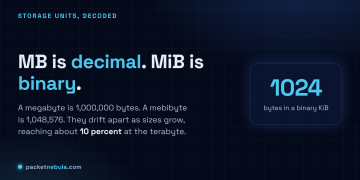





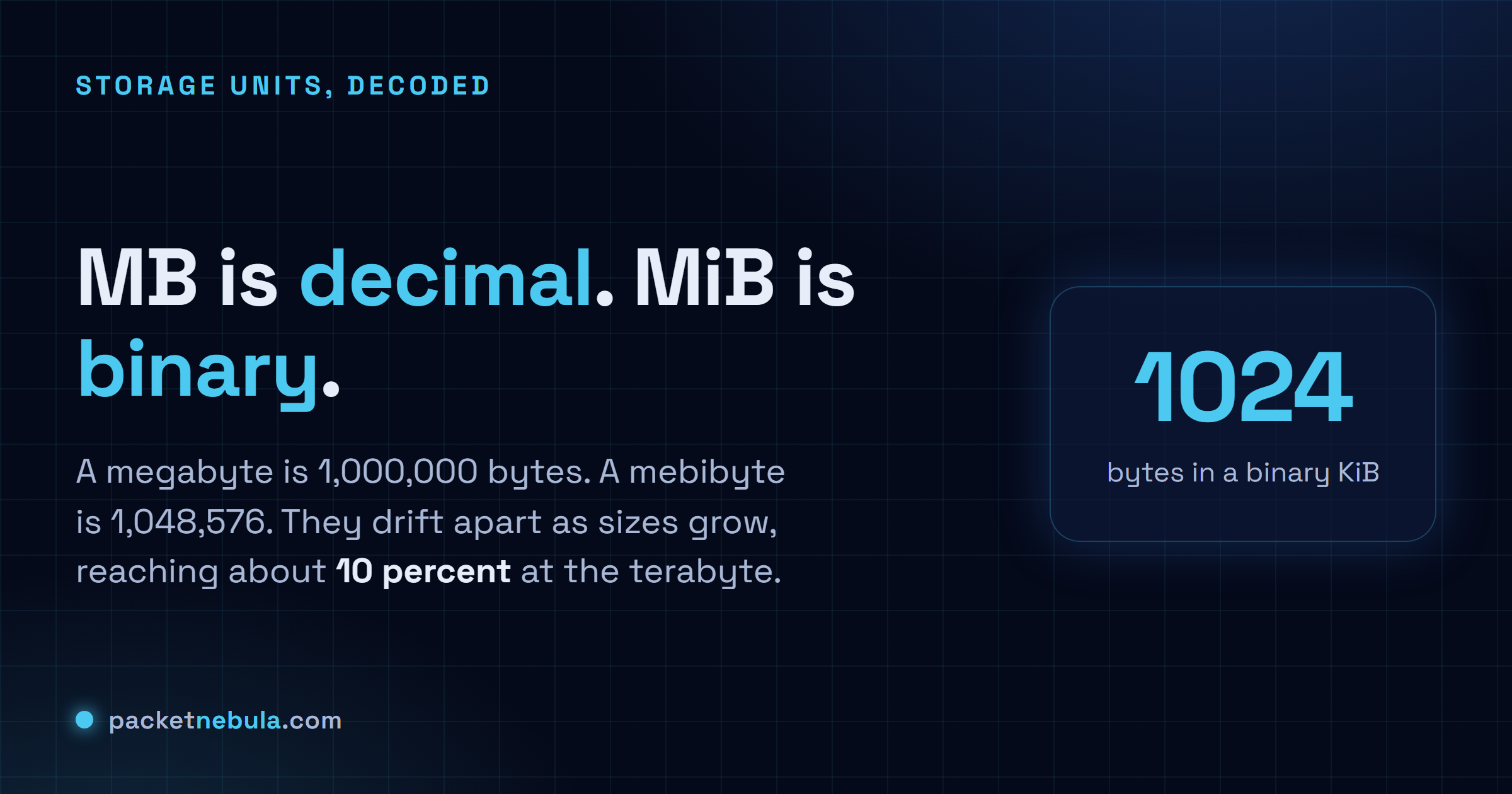
You buy a 1 TB drive, plug it in, and Windows cheerfully reports 931 GB. Nothing's broken and nobody robbed you, but it's annoying, and it comes down to MB vs MiB, the difference between counting in 1000 and counting in 1024. A megabyte is a clean million bytes. A mebibyte is 1,048,576, the value computers actually work in, and it wears almost the same name. The two are nearly equal for small files and pull apart as the numbers climb, until at the terabyte mark the gap is about 10 percent. That's your missing 69 GB, right there. Here's where each unit shows up, and the bits-versus-bytes twist that makes a fast line feel slow.
The short answer
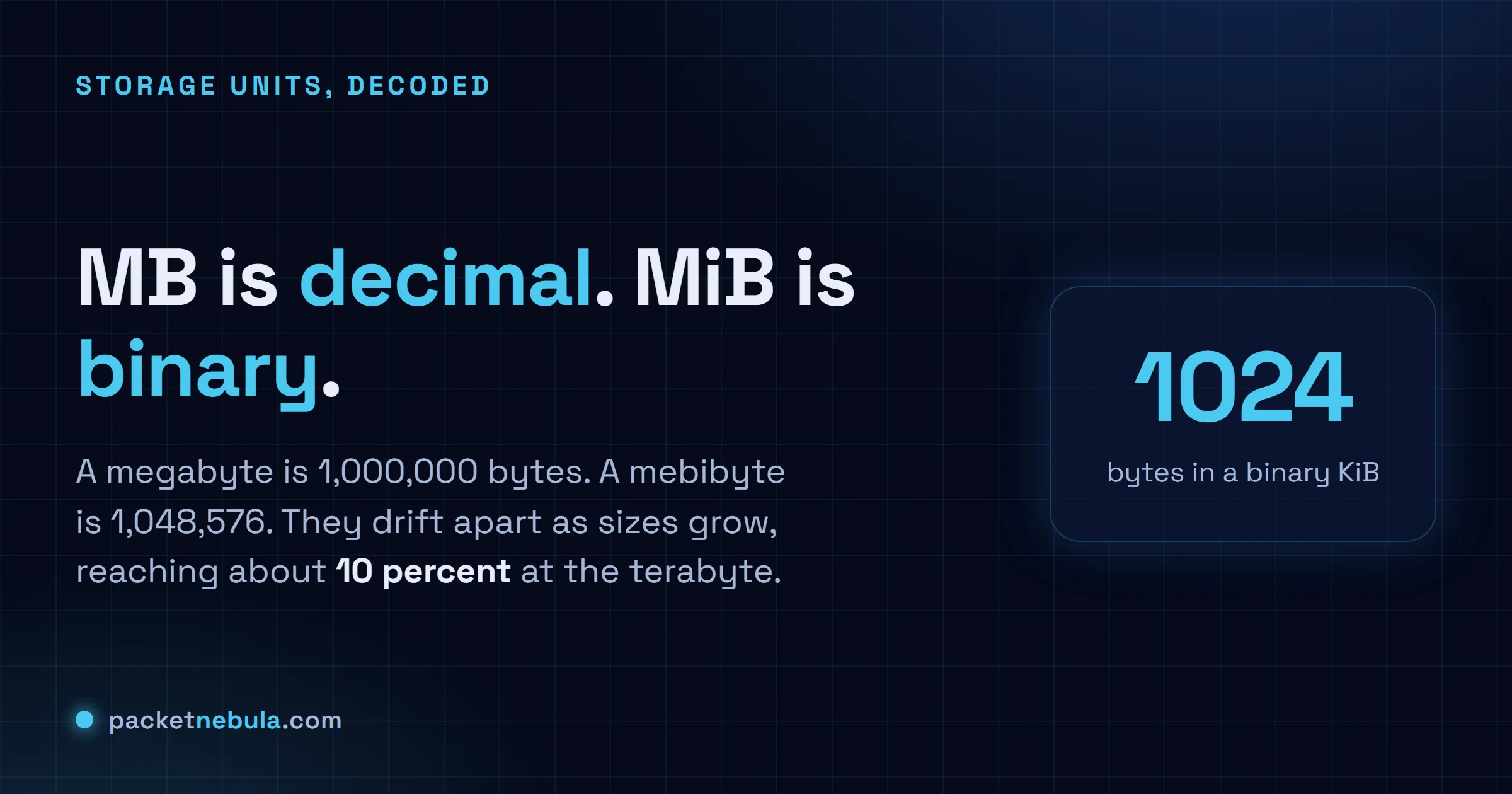
MB is decimal, a megabyte is 1,000,000 bytes. MiB is binary, a mebibyte is 1,048,576. They’re nearly equal for small files and pull apart as sizes grow, hitting about 10 percent at the terabyte. That gap, not lost space, is why a 1 TB drive shows up as 931 in Windows.
1000 or 1024: the two families
Two unit systems wear nearly the same names, and that’s the whole mess. The decimal one is the SI system from school: a kilobyte is 1000 bytes, a megabyte a million, a gigabyte a billion, a terabyte a trillion. Clean powers of ten.
The binary one follows how memory is addressed, in powers of two. The closest tidy binary number to 1000 is 1024, so early computing borrowed kilo, mega and giga and quietly bent them to the 1024 meaning. For decades “kilobyte” meant 1024 bytes in one breath and 1000 in the next, and you were left to guess from context. In 1998 the IEC tried to end it with separate binary names: kibibyte (KiB, 1024 bytes), mebibyte (MiB, 1024 KiB), gibibyte (GiB), tebibyte (TiB). The i is for binary. The plan: MB would always be a clean million, MiB would carry the 1,048,576.
It half worked. Engineers and Linux tooling use the binary names happily. Marketing, and most casual writing, still says GB and means whichever is handy.
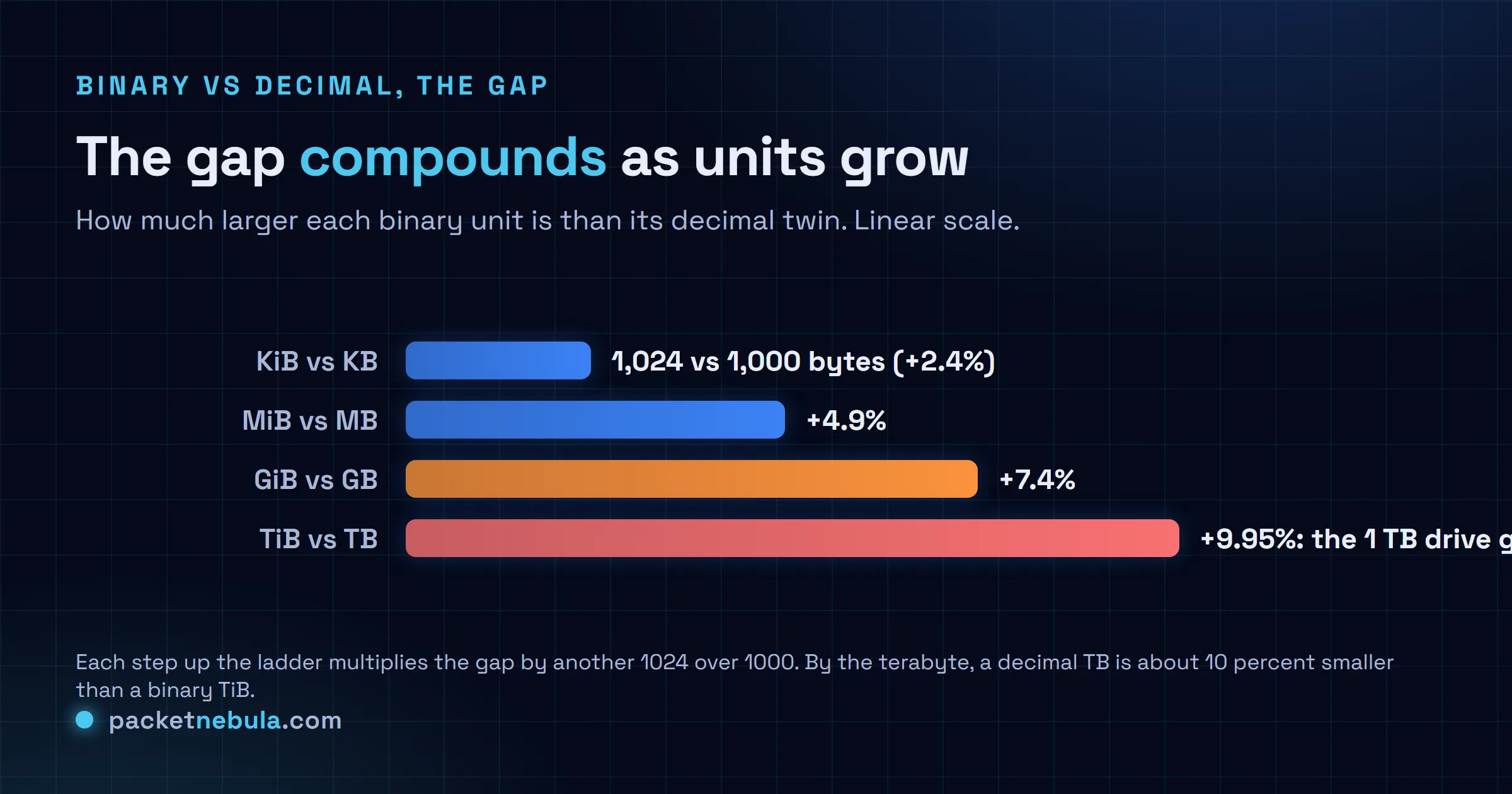
The drift is the part people miss. At the kilobyte level the two differ by 2.4 percent, small enough to wave off. Every step up multiplies the gap by another 1024 over 1000, so a mebibyte runs about 4.9 percent over a megabyte, a gibibyte 7.4 percent, and by the terabyte you’re near 10. The more you store, the louder it gets.
Why the 1 TB drive shows 931
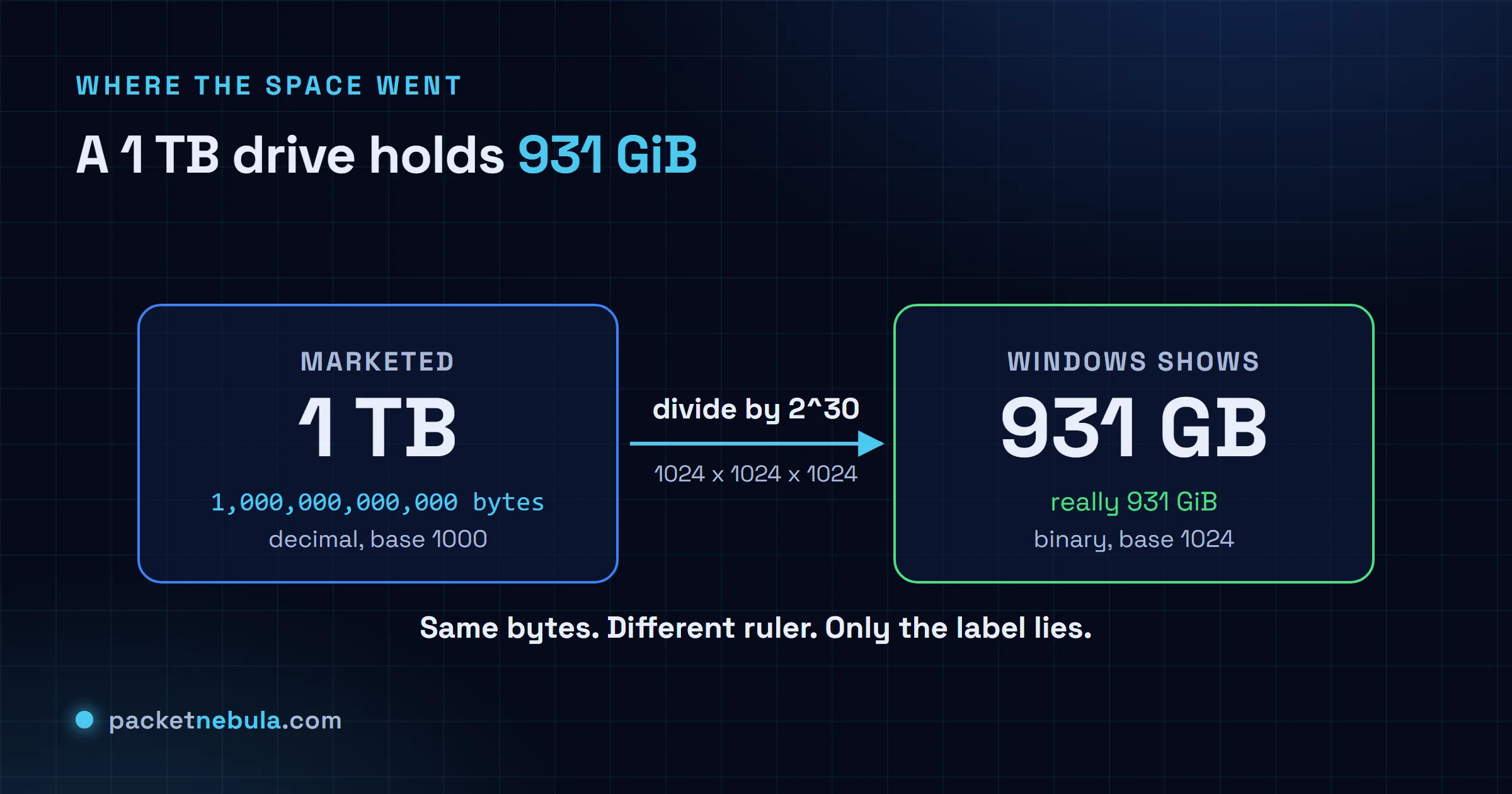
Drive makers measure in decimal, always have. A “1 TB” disk is sold as exactly 1,000,000,000,000 bytes, and that number is honest. The trouble is what the OS does next.
Windows takes those bytes and divides by 1024 three times to reach gigabytes, because under the hood it counts in binary. A trillion over 1024 cubed is about 931. Fine so far. The misleading bit is the label: Windows prints that 931 as “GB” when what it computed is really GiB. Every byte you paid for is sitting there. The file manager just measured with one ruler and wrote down the name of the other.
It’s also why the three operating systems seem to argue. macOS has reported storage in decimal since 2009, so the same drive reads as roughly 1 TB in Finder and nobody panics. Linux splits by tool: df -h and ls -lh use binary but print a bare G or M, while df -H switches to decimal. Only Windows pairs binary math with decimal-looking labels, which is why “where did my space go” is mostly a Windows question.
Bits vs bytes: the other factor of 8
There’s a second trap right next door, and it bites when you download. Networking is sold in bits, storage is measured in bytes, and a byte is eight bits. The casing is the only tell: lowercase b is a bit, uppercase B is a byte. Your ISP advertises a “300 Mbps” line, that’s 300 megabits a second, and the file you’re pulling is sized in megabytes. Divide by 8 and the real ceiling is about 37.5 MB/s, before overhead nibbles a little more.
So a connection that sounds like three-hundred-anything actually saves a 4 GB file in a couple of minutes on a good day, not seconds. Nobody’s lying. The line and the file are just quoting different units. For a specific file and speed, our data transfer calculator does the bits, the bytes and the 1024-versus-1000 in one shot, so you’re not juggling a factor of 8 and a factor of 1024 in your head at the same time.
So which should you write?
When it’s your call, use the binary names when you actually mean binary. RAM is the clear case: a 16 GB stick really is 16 GiB, memory is addressed in powers of two and there’s no decimal version of it, so GiB there is just correct. Use plain MB and GB for the decimal world, drive capacity, network speed, anything a vendor quotes.
Mostly, though, you can read it off the context, because the conventions barely move. Storage and bandwidth, decimal. Memory, binary. Windows file sizes, binary in decimal clothing. None of it is lost space or a rounding bug. It’s two number systems unlucky enough to share a set of prefixes, and the second you can tell which one is in play, the missing gigabytes stop being a mystery and turn back into arithmetic. If powers of two are your weak spot, the same 1024 instinct shows up again in subnet math, where every prefix bit doubles the block.
Frequently asked questions
Is 1 MB 1000 KB or 1024 KB?
Strictly, 1 MB is 1000 kB. The megabyte is decimal. The 1024 version is a mebibyte, 1 MiB. Plenty of people still say MB for the binary 1,048,576-byte amount though, especially on Windows, which is where the confusion breeds.
Why does my hard drive show less space than advertised?
The maker counts in decimal, so 1 TB is 1,000,000,000,000 bytes. Windows then divides by 1024 three times but keeps the decimal label, and prints 931 GB. Every byte is there. A trillion bytes is simply 931 GiB. Nothing got wasted or hidden.
What is the difference between Mb and MB?
Lowercase b is a bit, uppercase B is a byte, and a byte is eight bits. Internet speed sells in megabits per second (Mbps); files are sized in megabytes (MB). Divide an Mbps number by 8 for a rough megabytes-per-second ceiling, so 100 Mbps tops out near 12.5 MB/s.
Do macOS and Linux disagree with Windows about this?
They do. Since 2009 macOS reports storage in decimal, so a 1 TB drive reads as about 1 TB in Finder. Linux tools like df and ls use binary with -h but label it G or M, and flip to decimal with -H. Only Windows mixes binary math with decimal labels, which is why the missing space is mostly a Windows story.
What are kibibyte, mebibyte and gibibyte?
They're the IEC binary units: 1 KiB is 1024 bytes, 1 MiB is 1024 KiB, 1 GiB is 1024 MiB. The names landed in 1998 so you could say the 1024 value out loud without hijacking kilo, mega and giga, which in proper SI mean 1000.