




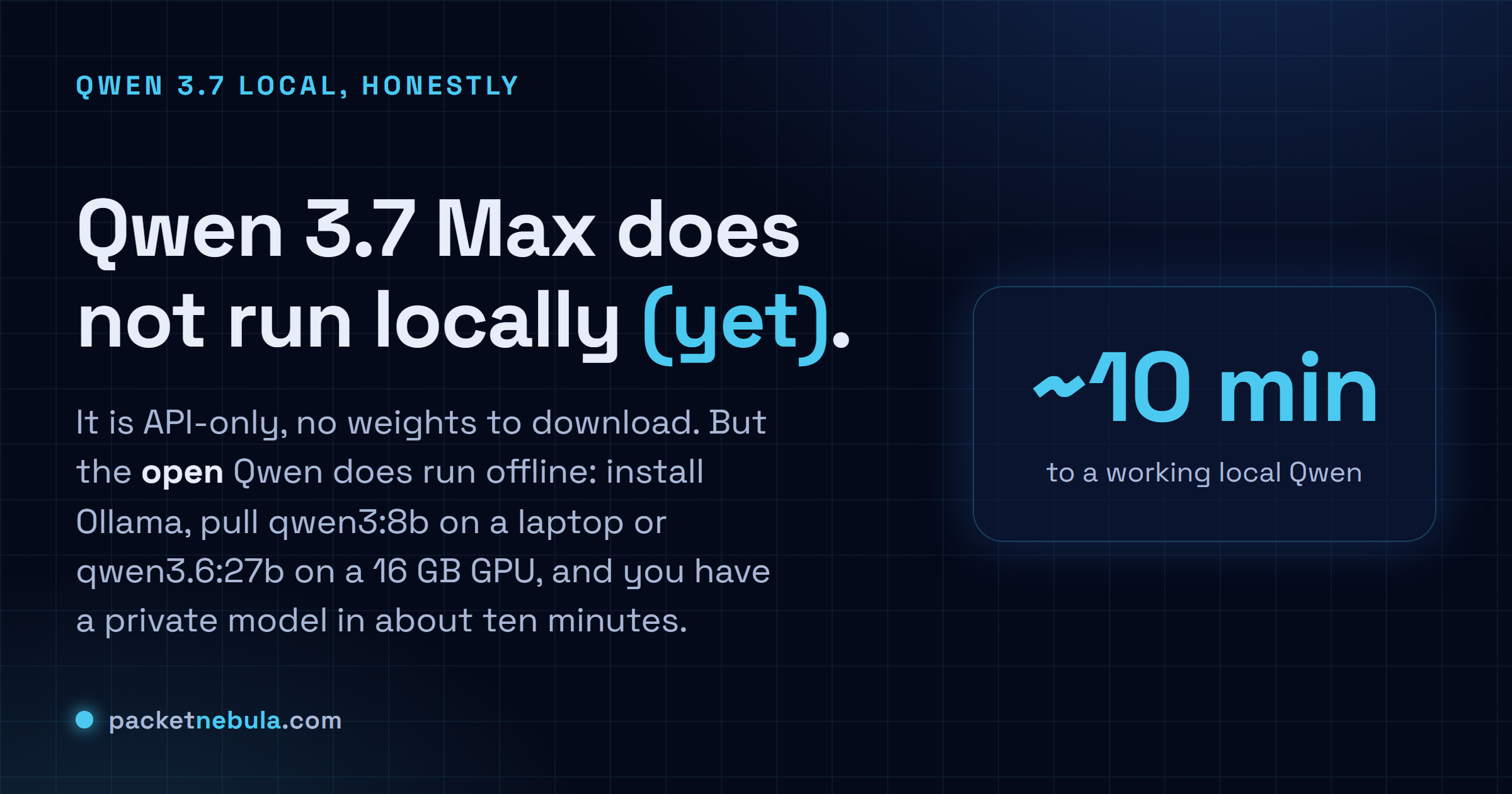
You typed 'Qwen 3.7 local' hoping to pull Alibaba's new flagship onto your own machine and cut the cloud loose. Small problem: you can't, not yet. Qwen 3.7 Max and Plus are API-only, with no downloadable weights, no GGUF file, nothing for Ollama to fetch, so the command just returns a 404. The good news is that running Qwen on your own hardware, fully offline and private, is genuinely easy today. You point at the open models Alibaba did release instead: Qwen 3.6 27B, or the lighter Qwen3 sizes that fit a normal laptop. Here's what actually runs, how to install it with Ollama in about ten minutes, and which model to pick for the RAM you've got.
The short answer
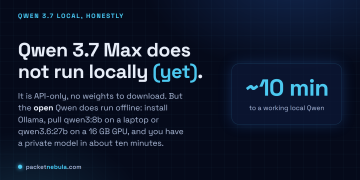
Qwen 3.7 Max and Plus are API-only: no weights to download, so no local run. But the open Qwen models do run on your own machine, fully offline. Install Ollama, pull qwen3:8b on a laptop or qwen3.6:27b on a 16 GB GPU, and you have a private model with no API key and no per-token bill. One download, then it works with the network off.
So can you run Qwen 3.7 locally? Not yet
Straight answer first, because the search term sets a trap. Qwen 3.7 Max and Qwen 3.7 Plus are closed, API-only models. There are no open weights, no GGUF files, and no entry in the Ollama library, so ollama run qwen3.7 returns a plain 404. Nothing to download means nothing to run offline. That is just the state of the flagship in June 2026.
It probably will not stay that way. Alibaba has a habit of shipping the API first and the open weights a few weeks later: the Qwen 3.6 API arrived in late March 2026, and its open weights followed in April. If the pattern holds, an open Qwen 3.7 could land soon. But “soon” is not “now,” and you do not need to wait, because the Qwen you can already run locally is genuinely good.
What you actually run: the open Qwen line
Two families are sitting right there, both under an Apache 2.0 license that is free even for commercial use.
Qwen 3.6 is the current open flagship, and qwen3.6:27b is the strongest Qwen for coding you can self-host, scoring 77.2 on SWE-bench. It runs on a 16 GB GPU. Qwen3 is the broad open line, eight models from 0.6B up to a 32B dense and a 235B mixture-of-experts. The ones that matter for most people: qwen3:8b (the laptop-friendly default, about 6 GB, 76% on HumanEval), qwen3:14b for a bit more headroom, and qwen3:32b when you have the VRAM for near-API quality. Every one of them carries both a fast mode and a slower deep-reasoning mode.
Install it: Ollama in ten minutes
Ollama is the shortest path from nothing to a chatting model. Grab the installer for Windows, macOS or Linux from ollama.com, then pull a model sized to your machine:
ollama pull qwen3:8b
That download is the one time you need the internet, a few gigabytes depending on the model. Then run it:
ollama run qwen3:8b
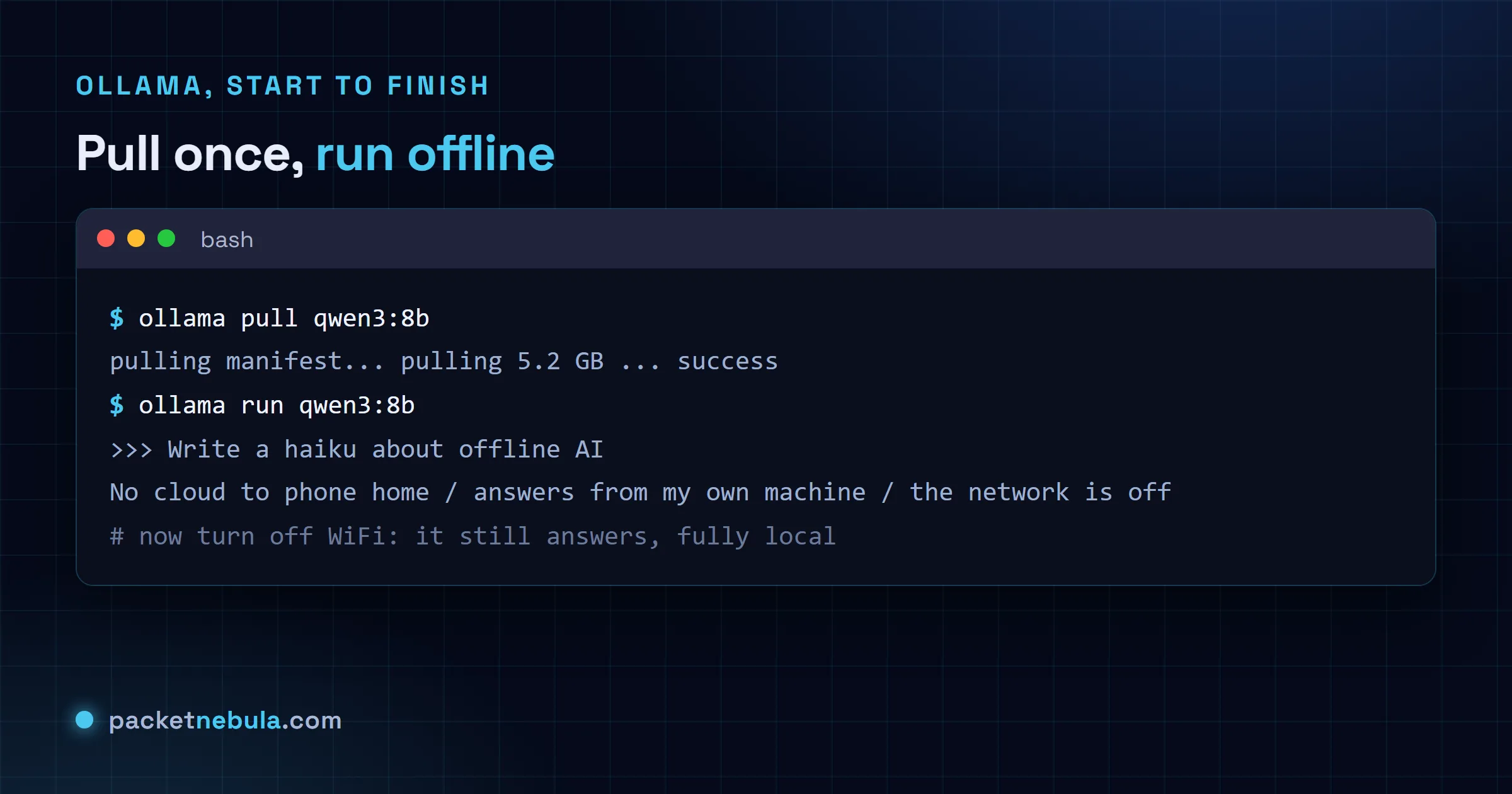
You are now talking to a model that lives entirely on your disk. On a 16 GB GPU, swap in ollama pull qwen3.6:27b for the stronger coding model; the commands are identical otherwise.
Prove it is offline, because that is the whole point
Pull the model, then turn off your WiFi or yank the cable and run it again. It answers exactly the same. Nothing is sent anywhere: no API key, no per-token bill, no prompt or snippet of code leaving your machine, which is the reason most people want a local model in the first place. If you are handling anything sensitive, that is not a nice-to-have, it is the requirement.
There is a bonus that surprises people. Ollama quietly serves an OpenAI-compatible API on localhost:11434, so any script or app you already wrote against the OpenAI API will talk to your local Qwen instead by changing one line, the base URL. Your tooling does not know the difference.
Pick the right model for your machine
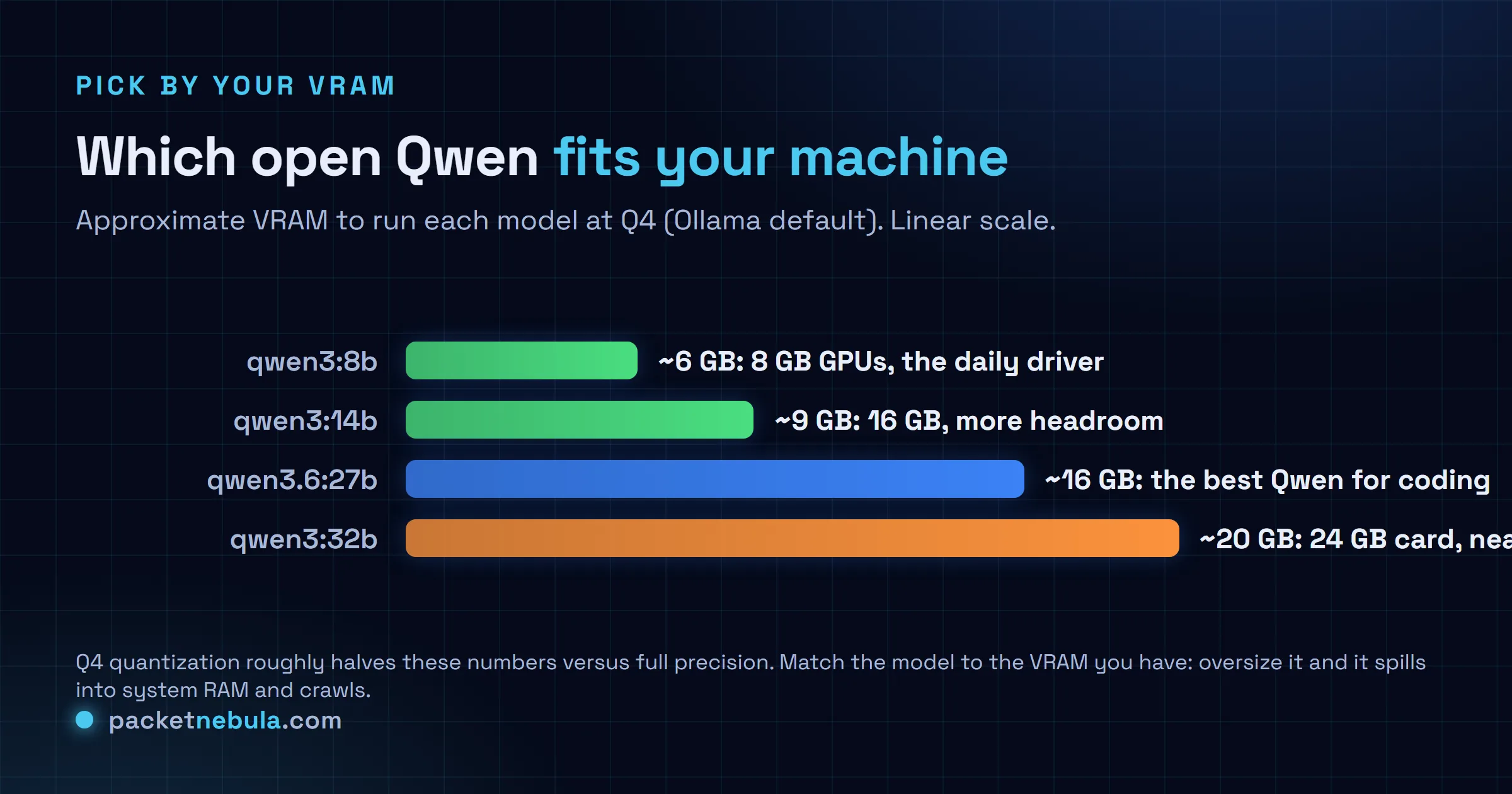
The one mistake to avoid is reaching for the biggest model your ego wants instead of the one your hardware can hold. A model that exceeds your VRAM spills into system RAM and slows to a crawl. The honest mapping: 8 GB runs qwen3:8b comfortably, 16 GB opens up qwen3:14b and qwen3.6:27b (the coding sweet spot), and 24 GB on an RTX 3090 or 4090 handles qwen3:32b, where a local model genuinely starts replacing API calls. Quantization is doing the heavy lifting: Ollama serves Q4 by default, which roughly halves the memory a model needs with little visible quality loss, and it is why a 32B model fits in 20 GB at all.
So, Qwen 3.7 in local? Not the flagship, not yet, and you do not need it. The open Qwen you can run today is a strong, private, free model, and the day Alibaba publishes open 3.7 weights it will be one ollama pull away. If you are weighing the closed flagship against the field, our Qwen 3.7 Max vs GLM-5.2 breakdown has the numbers, and GLM-5.2 is another open-weight model you can self-host the exact same way.
Sources: the Ollama model library (qwen3, qwen3.6), and local-LLM hardware and availability reporting from CodersEra, PromptQuorum and aimadetools, June 2026. Qwen 3.7 Max and Plus confirmed API-only as of writing; open-weight status can change, so check the Ollama library before assuming.
Frequently asked questions
Can I run Qwen 3.7 locally?
Not the flagship, not yet. Qwen 3.7 Max and Qwen 3.7 Plus are API-only, with no open weights, no GGUF and no Ollama model, so there is nothing to download or run offline. Alibaba usually publishes open weights a few weeks after the API, so an open Qwen 3.7 may land later, but as of June 2026 the Qwen you run locally is the 3.6 line or the open Qwen3 sizes.
Which Qwen model should I run locally?
Match it to your VRAM. On an 8 GB GPU, qwen3:8b is the daily driver (about 6 GB, 76% on HumanEval for coding). On 16 GB, step up to qwen3:14b or the stronger qwen3.6:27b. On a 24 GB card like an RTX 3090 or 4090, qwen3:32b gets you close to API quality. All are Apache 2.0, free for commercial use.
Does a local Qwen really work offline?
Yes. You need the internet once, to download Ollama and pull the model. After that, inference runs entirely on your CPU or GPU with nothing sent anywhere, so you can disconnect and it keeps answering. That is the whole appeal: no API key, no per-token bill, and no prompt or code leaving your machine.
How much RAM or VRAM do I need?
A quantized 8B model runs in roughly 6 GB, a 14B in about 9 GB, and a 32B in around 20 GB, because Ollama serves Q4 quantization by default, which roughly halves the memory a model needs with little quality loss. If a model is bigger than your VRAM it spills into system RAM and slows to a crawl, so pick one that fits.
Is Ollama the only way to run Qwen locally?
It is the easiest, but not the only one. LM Studio gives you a graphical app if you would rather not touch a terminal, vLLM is built for serving models at speed on a real GPU, and llama.cpp is the low-level engine underneath much of this. For a first local model, Ollama is the ten-minute path.