




Your server won't start and the terminal throws 'address already in use'. Something's squatting on that port, and sudo lsof -i :8080 (or ss -ltnp on a leaner box) tells you what: the PID column is your culprit. We send a polite kill PID first and keep kill -9 for the ones that ignore us. Below: how to read the lsof output, why SIGTERM comes before SIGKILL, a fuser one-liner that finds and kills in one shot, plus what's actually going on when the port looks busy but lsof shows nothing at all.
The short answer
sudo lsof -i :8080 (or ss -ltnp) shows the PID holding the port. kill 4821 asks it nicely; kill -9 4821 is for when it won’t listen. The “address already in use” error clears the moment the process exits.
Find the PID, then stop it cleanly
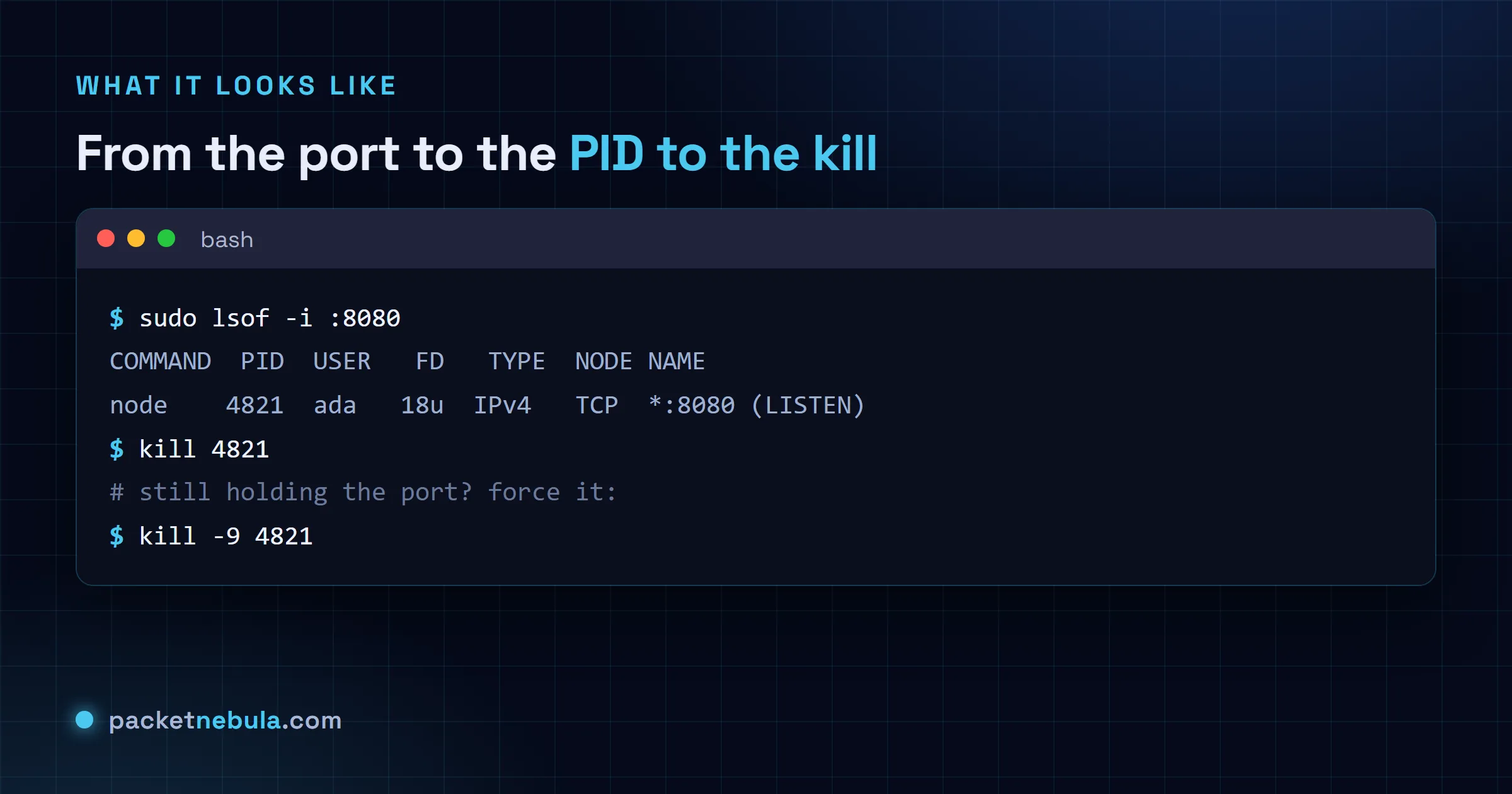
sudo lsof -i :8080
The PID column is the one we’re after. No lsof on this box? sudo ss -ltnp | grep :8080 does the same job, and sudo fuser 8080/tcp prints just the PID, nothing else.
kill 4821
Plain kill sends SIGTERM. That’s a request: the process gets to close its files and release the port properly. Give it a second, then re-run the lsof from Step 1 to check it’s gone.
Force it only when needed, and the one-liner
Still holding the port after SIGTERM? Escalate:
kill -9 4821
kill -9 sends SIGKILL, which can’t be caught or ignored. The process dies on the spot with zero chance to clean up, which is exactly why we keep it as the last resort and not the opening move.
Once you’re sure what’s sitting on the port, one command does the find and the kill:
sudo fuser -k 8080/tcp
Prefer lsof? sudo kill -9 $(sudo lsof -t -i:8080) does the same thing.
When lsof shows nothing
Port looks busy, lsof comes back empty. Two usual suspects. The socket may be sitting in TIME_WAIT, cooling down after a close; no process holds it, and it frees itself shortly. Or the owner runs as root and you forgot sudo, so you just couldn’t see it. In our experience it’s the missing sudo most of the time.
On Windows instead? The tools are netstat and taskkill: see how to kill the process using a port on Windows.
When lsof or ss shows a port in use but no process name, you’re almost always missing privileges or looking from outside a container.
Both tools only reveal the owning process for processes you own, so a service running as another user shows the port and a blank command until you add sudo. That one catches people constantly, because the port line appears and the process column doesn’t, which looks like a bug rather than a permission.
The container case is different in kind. A process inside a container lives in its own PID namespace, so from the host you see the published port bound by the container runtime rather than by the application. Killing what the host shows you takes down the wrong thing. Find the container with docker ps, stop it properly, and leave the runtime alone.
Frequently asked questions
How do I find which process is using a port on Linux?
Run "sudo lsof -i :8080" and read the PID column: that's the program bound to the port. No lsof on the box? "sudo ss -ltnp | grep :8080" does the same job, and "sudo fuser 8080/tcp" prints just the PID.
What’s the difference between kill and kill -9?
Plain kill sends SIGTERM, a polite request to shut down cleanly and free its resources. kill -9 sends SIGKILL, which the process can't catch or ignore: it dies instantly but gets no chance to clean up. We always try SIGTERM first.
Why do I need sudo to kill the process?
Only when the process runs under another user or as root, which many services do. Then you can't see or kill it without elevated rights. A process you started yourself doesn't need sudo.
Is there a one-liner to free a port?
Yes: "sudo fuser -k 8080/tcp" finds and kills whatever holds the port in one command. "sudo kill -9 $(sudo lsof -t -i:8080)" does the same with lsof. Save them for ports where you're sure what's running.