




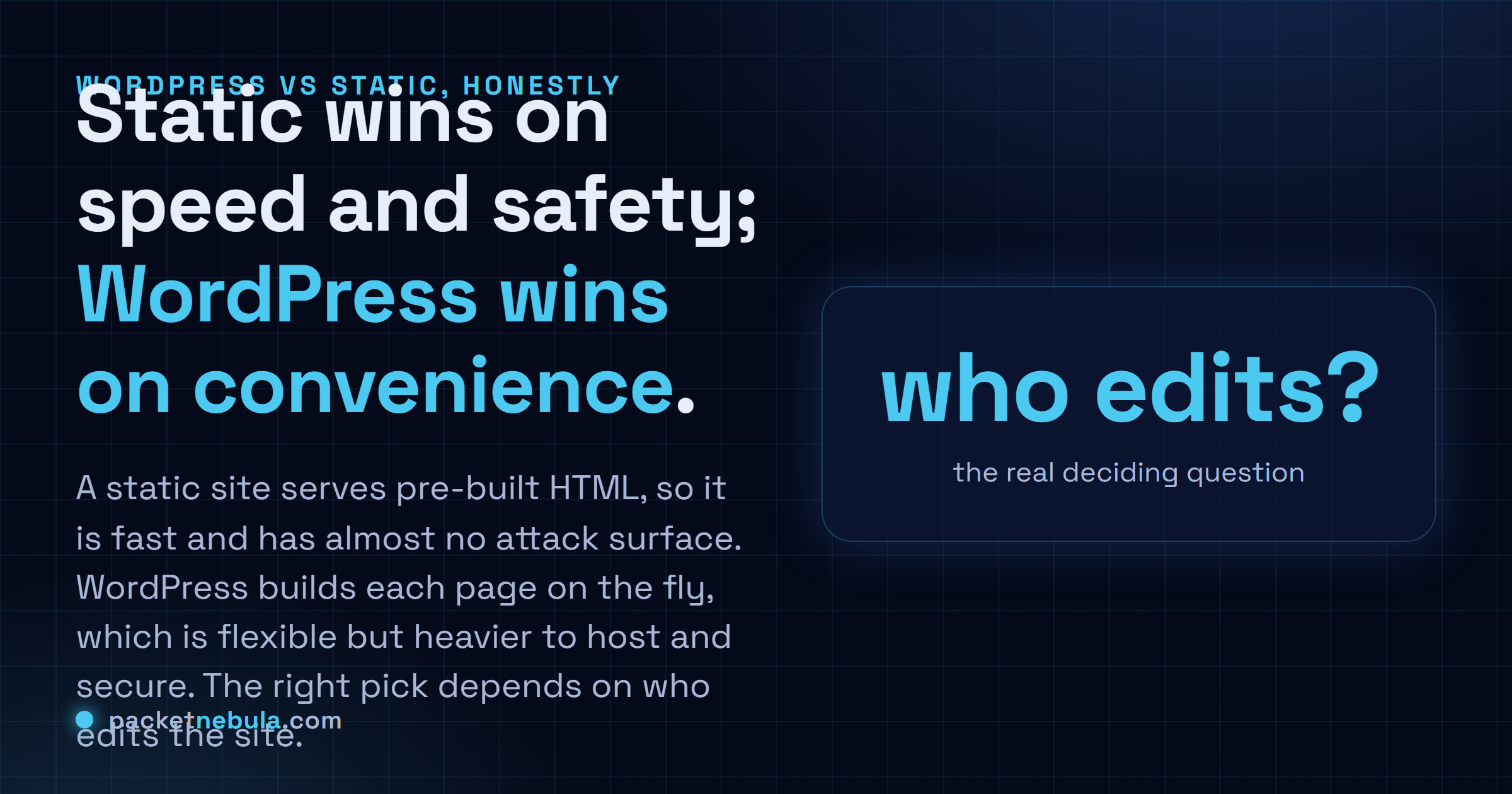
So you're starting a site, and everyone you ask has already picked a side. Here's the honest answer: it's a trade-off, and it hangs on one question, who edits the site and how often. Static ships plain HTML that was built ahead of time. Fast, cheap to host. Barely anything on it to attack. WordPress builds each page on the spot from PHP and a database, which is genuinely great if you're not technical and just want to log in and write, but it's heavier to host and slower out of the box until you bolt on caching. We've run both for years and there's no tribe to defend here, just where the speed gap really comes from and how to choose for your own project instead of the loudest opinion online.
The short answer
Static sites serve HTML that’s already built: fast and cheap, with barely anything to hack. WordPress assembles each page live from PHP and a database, lovely for non-coders but heavier to host and secure. Honestly, the choice comes down to who edits the site, not to which one is “better”.
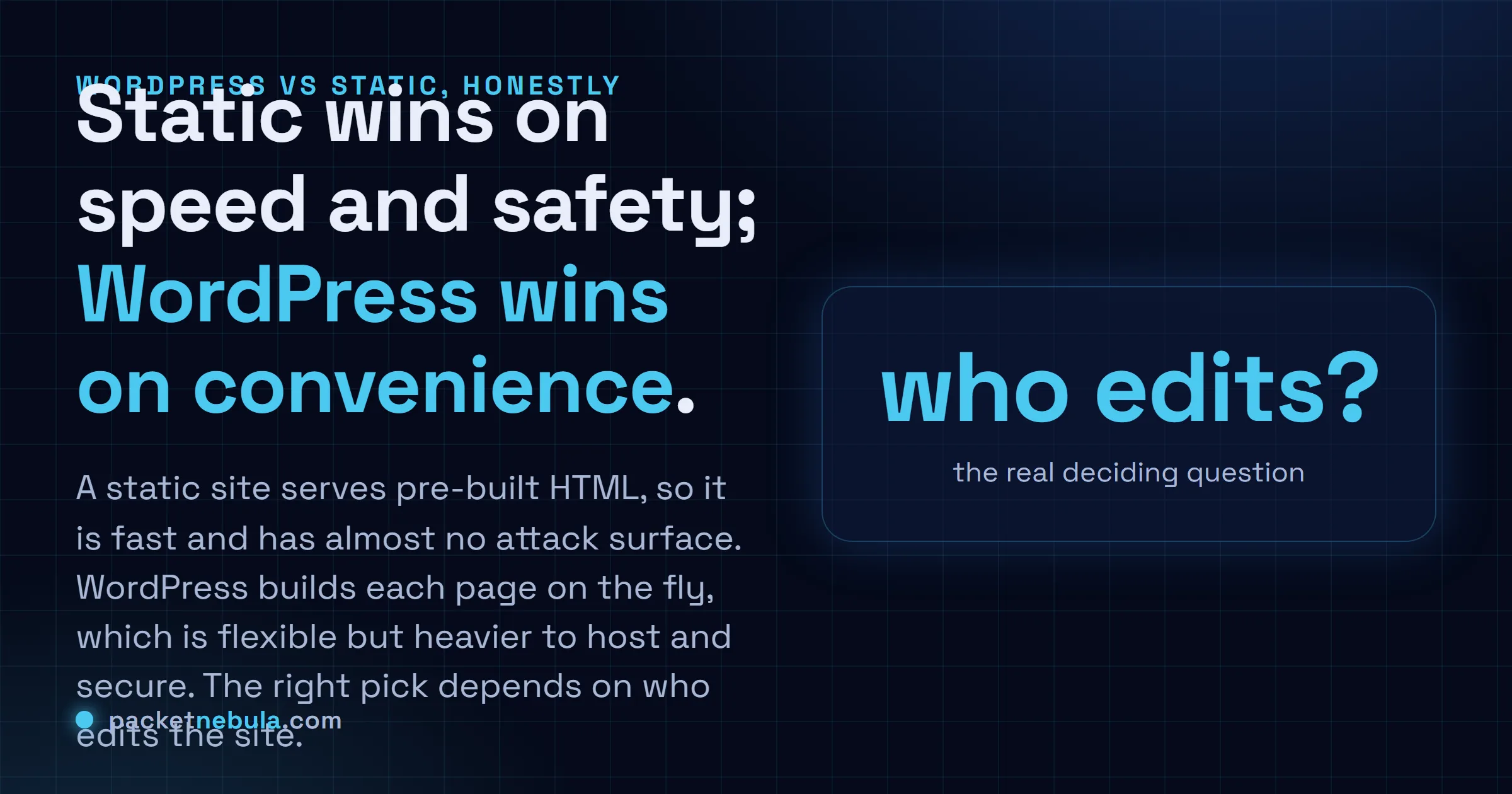
Most takes on this pick a side and dig in. Wrong instinct. WordPress runs a huge chunk of the web because people who don’t write code need to publish, a lot, without filing a ticket with a developer every time. Static sites are having their moment because, for a different kind of project, they’re faster and cost almost nothing to keep alive. Both things are true at once. The only question worth asking is which kind of project you’ve actually got.
Speed: why static starts ahead
The gap isn’t WordPress being sloppy. It’s structural, and this picture is basically the whole argument:
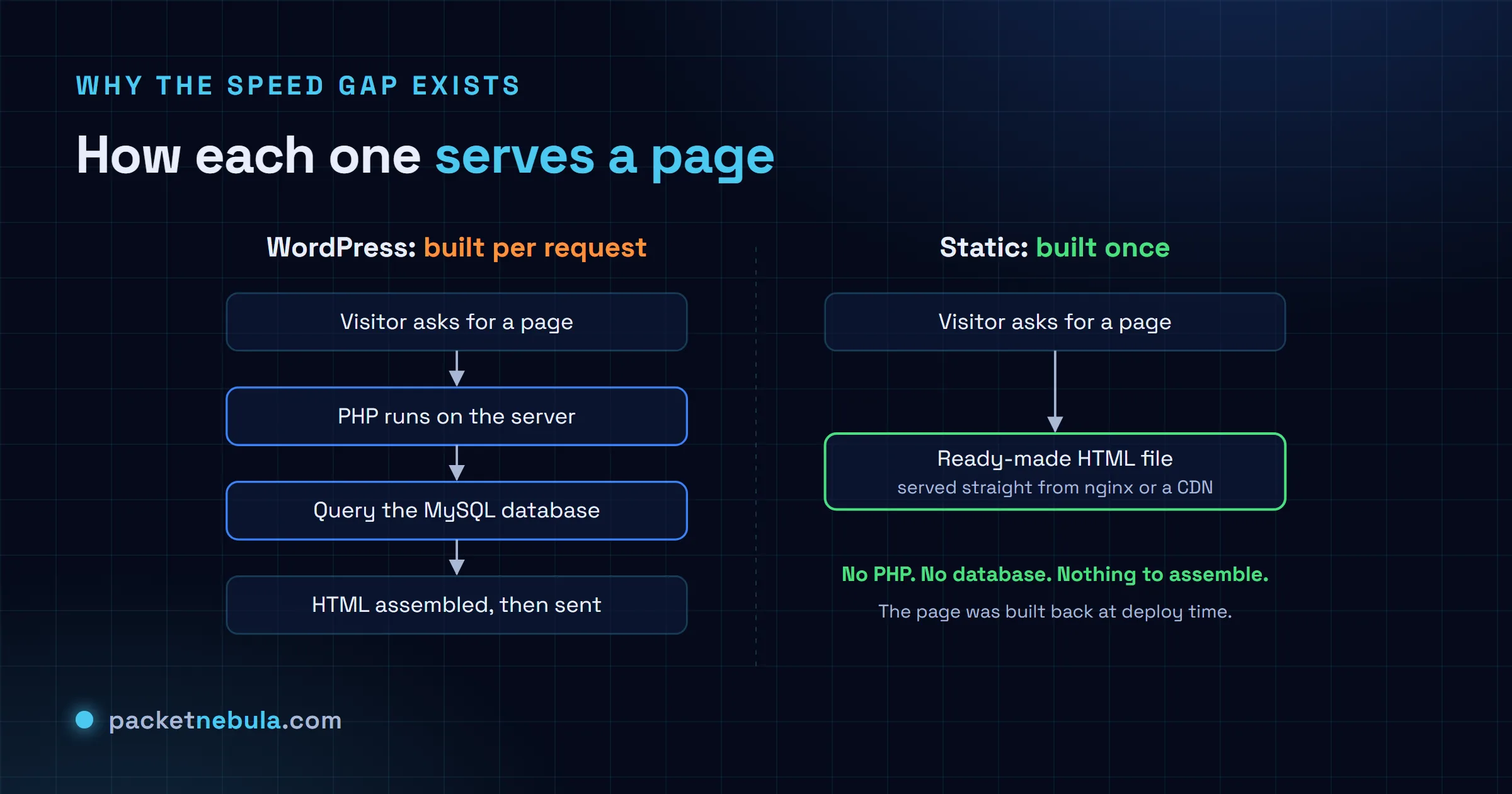
Ask WordPress for a page and the server has to wake up. PHP spins up, MySQL gets queried, the HTML gets stitched together, and only then does anything reach the visitor. A static site skips all of that. The HTML was built once, at deploy time, and the server just hands over the file it already has. That shows up first as time to first byte, then carries straight through into the Core Web Vitals Google actually grades you on.
Caching muddies it, sure. A good WordPress cache plugin stores the finished page and serves the copy, which gets you most of the way to static. Right up until a plugin update or a logged-in request busts the cache and PHP wakes up all over again. The static site never has that bad afternoon. One speed, the fast one, all day.
Want it concrete? We ran both kinds of page through GTmetrix from the same test location. A plugin-heavy WordPress page came back a C: 66% performance and a 3.2s Largest Contentful Paint. A static page (this one, in fact) came back an A: 93% performance and a 1.3s LCP. Blocking time: zero. Same job, very different numbers.


| Metric | Plugin-heavy WordPress | Static site (this one) |
|---|---|---|
| GTmetrix grade | C | A |
| Performance | 66% | 93% |
| Largest Contentful Paint | 3.2s | 1.3s |
| Total Blocking Time | 149ms | 0ms |
| Cumulative Layout Shift | 0.03 | 0 |
Security and cost: the surface you babysit
A WordPress install is a lot of moving code. The core and the theme, plus every plugin you’ve ever added, all running on the server and touching a database. Each one is somewhere a vulnerability can live, and honestly, the plugin ecosystem is where most real break-ins start, usually through something nobody got around to updating. Keeping it locked down is a recurring chore.
A static site barely gives an attacker anything to hold onto. There’s no database to inject into and no PHP to trick. The login form attackers love to hammer? Not there. The server hands out files and that’s the end of it. Doesn’t make it magic, you still harden the host and the build pipeline, but a whole genre of the attacks that hammer WordPress just finds nothing to work with here.
Static is cheap, sometimes free outright. Prebuilt files happily sit on a CDN or a static host for nothing, or take up a sliver of a small VPS where one box serves several static sites without breaking a sweat. WordPress wants more: PHP and MySQL running around the clock, which is exactly why the cheapest shared hosting feels like wading through treacle. A setup that doesn’t feel slow costs more per month than the static equivalent. You’re paying to keep that per-request machinery warm whether anyone visits or not.
Upkeep, and the honest downside of going static
This is where the day-to-day really splits. WordPress needs maintenance you can’t skip: core and plugin updates land constantly, and letting them pile up is how a perfectly nice site quietly turns into a liability. Leave it a few months and you’re choosing between a nervy bulk update and a hole you already know about.
Static flips that around. Nothing’s running in production to patch. You bump dependencies on your own schedule, on your own machine, and a broken build blows up on your laptop instead of taking the live site down with it. The work moved from small chores forever to a build step when you publish. I know which one I’d rather own.
Editing. That’s the catch, and it’s a real one. With WordPress, a non-technical author logs in and types into a familiar box. Publish, done. With a plain static site, publishing means editing files and running a build, which suits a developer far more than a marketing person trying to fix a typo before lunch. There’s a middle ground, a headless CMS: writers get a proper editor and the output stays static. But it bolts back on some of the moving parts you went static to escape. Three non-technical people updating the site every week? Think hard before you migrate. I’ve watched that exact mismatch make everyone miserable.
So, which one?
Who edits it. Genuinely, that’s the deciding question, not which tech is having a moment. If the content changes on a schedule rather than by the hour, and a build step doesn’t faze whoever keeps the site running, go static. A blog, docs, a brochure site, a tools site like this one, all happy there. WordPress earns its keep the day non-technical people need to publish daily, or you actually depend on a plugin for a shop or memberships. Then the convenience is worth the overhead, no shame in that. Match the tool to the people who’ll touch it and most of the speed-versus-security argument stops mattering. (Sizing up a host either way? Our HTTP headers checker grades what a site already sends back, one click.)
Frequently asked questions
Is a static site always faster than WordPress?
By default, yeah, and for a structural reason: a static server just hands over a file that already exists, while WordPress runs PHP and hits a database to build the page first. Heavy caching narrows the gap a lot, but the static site starts ahead and stays there. No plugins quietly dragging it down, either.
Is WordPress insecure?
Not on its own. It just has a far bigger attack surface: the core and the theme are code running on your server, and so is every single plugin, and all of it needs patching. A static site has no database and no server-side code to exploit, so a whole class of attacks finds nothing to grab. You can secure WordPress well. It's just ongoing work.
Can non-technical people edit a static site?
That's the catch. Editing means changing files and running a build, which suits a developer way more than a marketing team that wants to fix a typo at 5pm. A headless CMS gives writers a proper editor that still outputs static pages, but it adds back some of the complexity you left WordPress to escape.
So when does WordPress actually win?
When non-technical people publish often, or when you genuinely need plugins for a shop or memberships. A team where a build step would just never happen counts too. For a blog, docs, a brochure site, or a tools site that changes on a schedule, static is usually the better home.