
You update, you say Hey Siri, and for the first time in roughly two years it actually holds a conversation instead of bouncing you to a web search. That's the iOS 27 public beta, which Apple opened on July 13, and the headline is the Siri overhaul it first showed off in 2024 and then quietly slipped. This one reads what's on your screen and chains real actions inside apps, digging through your own mail and photos to do it. We went straight for the fine print, because with Apple that's where the catch usually lives. Found a few. The assistant only wakes up on an iPhone 15 Pro or newer. It speaks a handful of English variants, nothing else yet, and it isn't launching in the EU. Oh, and it's a beta that still trips over itself.
The short answer
Apple opened the iOS 27 public beta with the Siri overhaul it first teased back in 2024. The new assistant holds a conversation, reads your screen, and acts in your apps. iOS 27 installs on iPhone 11 and up, but the Siri AI needs an iPhone 15 Pro or newer, speaks English only for now, and skips the EU at launch. It’s a beta, so keep it off your main phone.
What Apple actually shipped
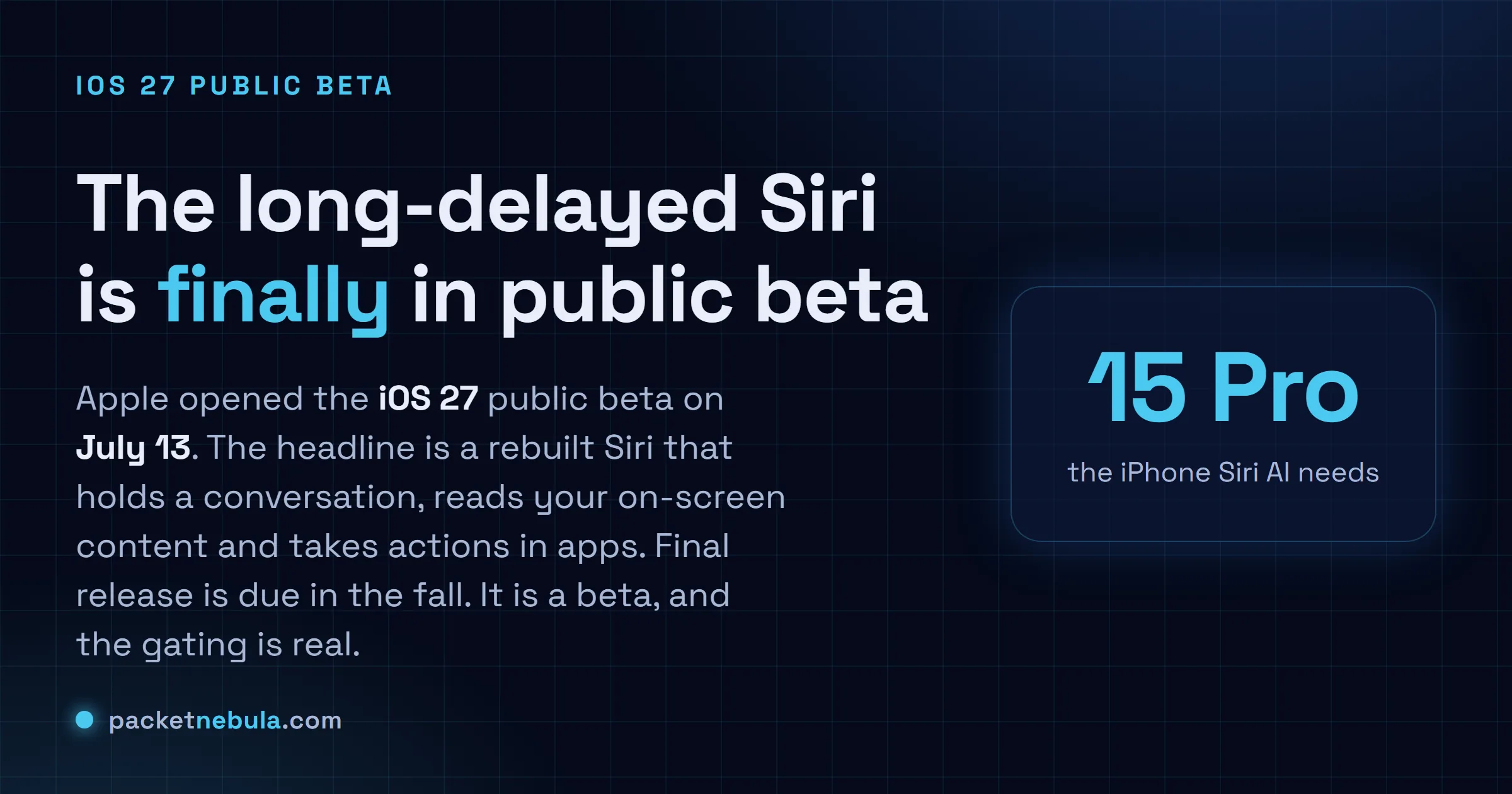
A public beta, and the assistant it kept promising. On July 13 Apple pushed the first iOS 27 public beta through the Apple Beta Software Program, which means anyone can install it now without a paid developer account. The final build lands in the fall with the new iPhones.
The reason to care isn’t the version bump. It’s Siri. Apple demoed a personal, context-aware Siri back in 2024, then watched it slip past one release and into the next. Two years is a long time to sit on a keynote promise. Now it’s here in a form you can actually poke at, powered by Apple Intelligence and Apple’s on-device Foundation Models, with the heavier lifting going to Private Cloud Compute.
So what does it do that the old Siri couldn’t?
The new Siri, concretely
It holds a thread. Ask a follow-up and it remembers what you were talking about, which sounds trivial until you remember every past Siri forgot the previous sentence instantly. It also reaches into your own stuff: your mail, your photos, your messages. Point it at the screen and it reads what’s there.
The useful part is the actions. It’ll summarise a long text thread, drop an event on your calendar, dig up a photo by describing it, or pull nutrition info without you leaving the conversation. Answers can ground themselves in world knowledge through Spotlight, so it’s less of a walled voice toy and more of an assistant that touches the phone the way you would. There’s a new standalone Siri app too, keeping your history in one place and syncing it privately over iCloud, and responses now slide out of the Dynamic Island instead of taking over the screen.
This is the agentic-on-your-phone pitch a lot of people have wanted. The catch is who gets to hold it.
Who actually gets it
Here’s the part the marketing glosses over. iOS 27 and the new Siri are two different guest lists.
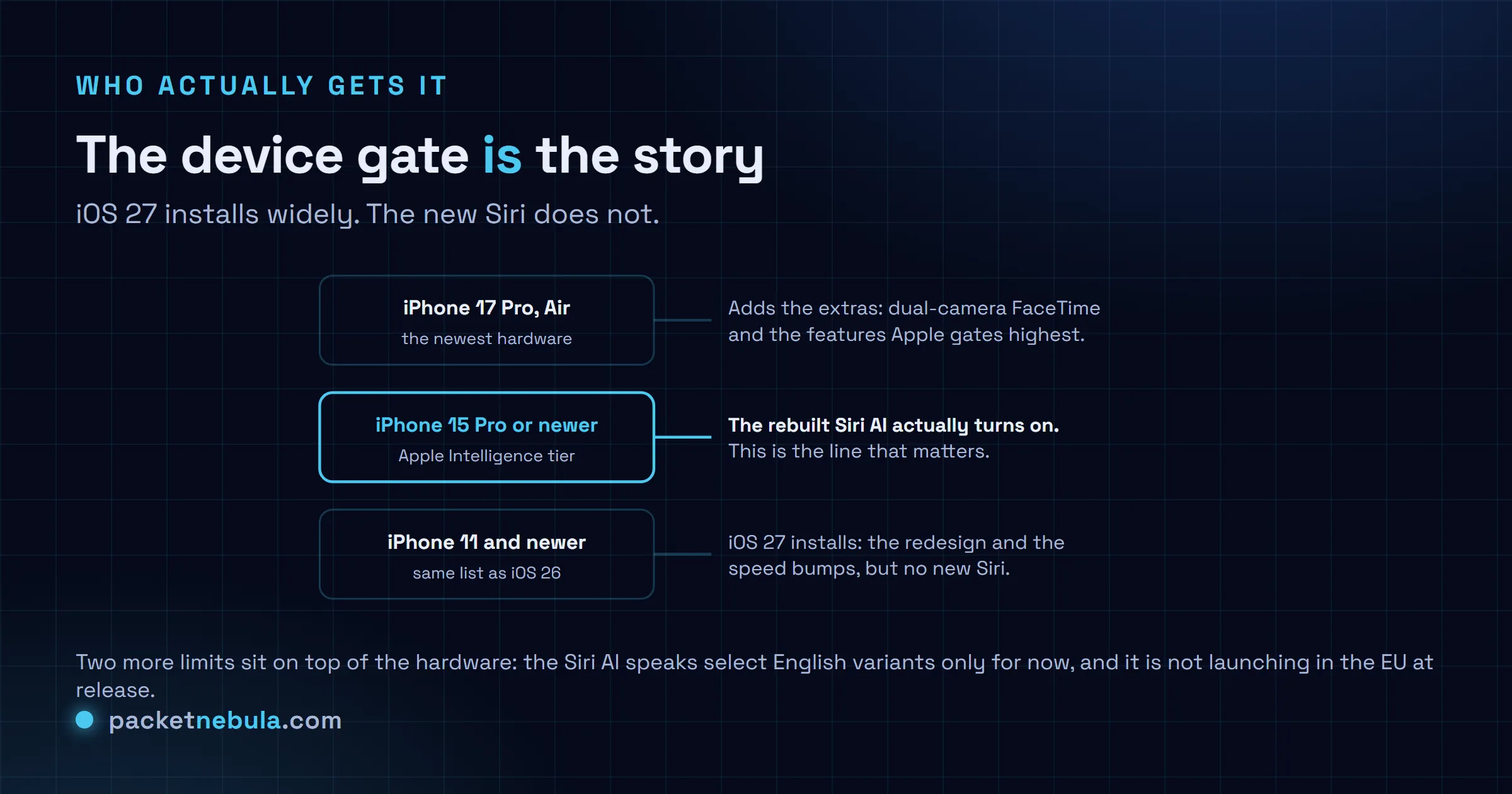
iOS 27 installs on iPhone 11 and up, the same list as iOS 26. But the Siri AI is an Apple Intelligence feature, so it needs an iPhone 15 Pro or newer to even appear. A handful of the flashiest bits, like the simultaneous front-and-rear FaceTime camera, go further and want an iPhone 17 Pro, Pro Max or iPhone Air. If you’re carrying an iPhone 13, you get the redesign and the speed bumps, and a Siri that’s the same one you already have.
The catches worth knowing before you install
Two hard walls sit on top of the hardware. The Siri AI speaks select English variants only right now, so if you use your phone in French or Spanish, the smart assistant simply isn’t there yet. And it’s not launching in the EU at release on iOS, iPadOS or watchOS, which is the regulatory standoff playing out again rather than a technical limit.
Then there’s the obvious one. This is a beta.
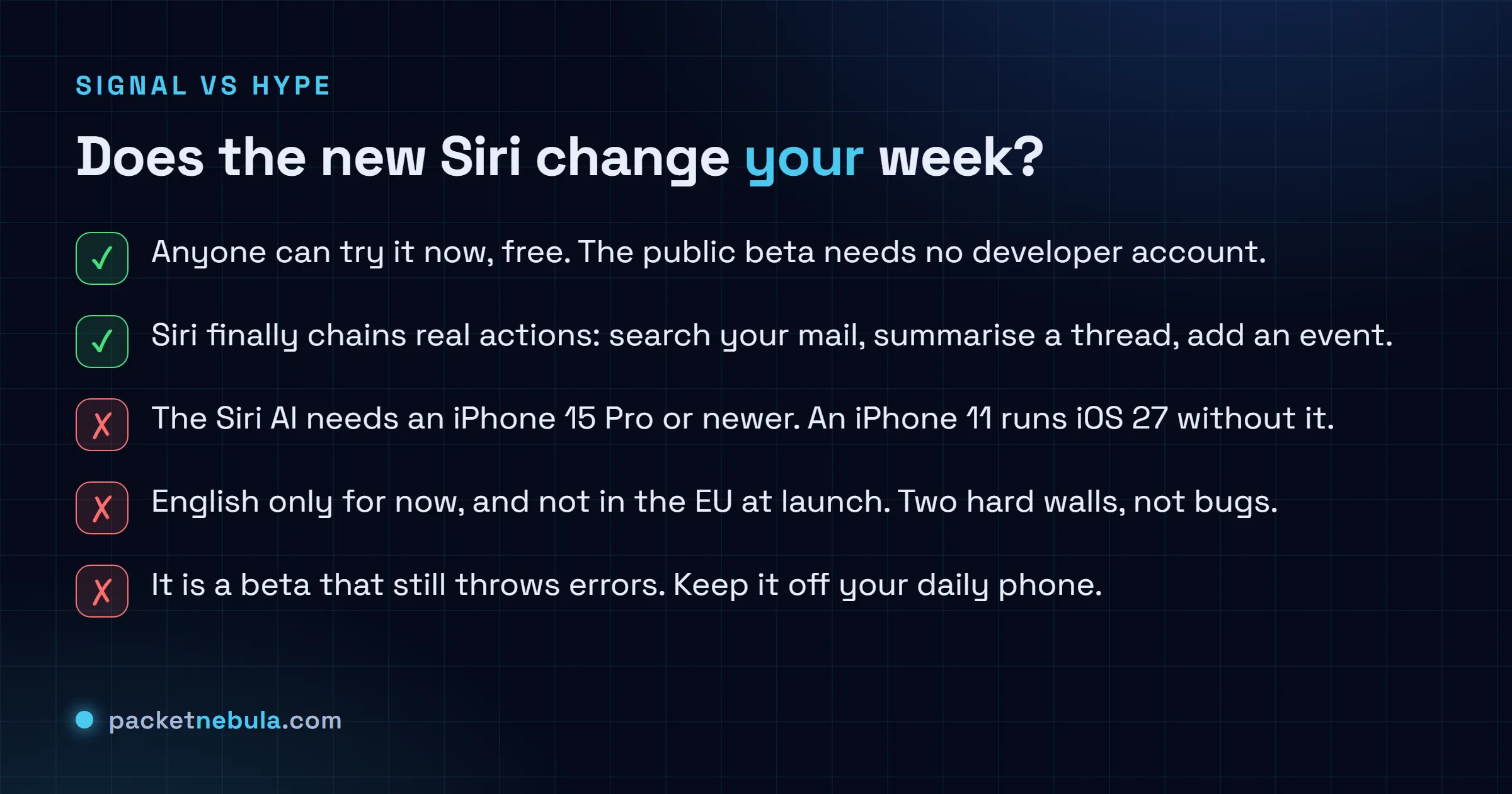
Testers on the developer builds saw Siri throw errors and get confused mid-task. That’s normal for pre-release software, but it’s the reason we wouldn’t put this on the phone you rely on for work. Apple says the same, quietly, by recommending a secondary device. iOS 27 also ships some genuinely nice non-Siri wins, like a reworked Screen Time, a Liquid Glass appearance slider, and Passwords that swaps weak entries for you. Apple quotes apps launching up to 30 percent faster and AirDrop up to 80 percent faster. Those are best-case numbers from the vendor, so treat them as a ceiling.
How to try it without regret
Back up first. Seriously, do the iCloud or computer backup before anything else, because rolling an iPhone back off a beta is a restore, not an undo.
Then it’s the standard path: sign in at the Apple Beta Software Program site with your Apple Account, enrol the device, and open Settings, then General, then Software Update, then Beta Updates, and pick iOS 27 Public Beta. Back on the Software Update screen it offers the download. If you want the Siri AI specifically and you’re on an eligible phone, expect a short wait, since the developer beta gated the assistant behind a queue that ran close to two weeks.
If you lean on voice for real work, it’s worth reading how the dedicated voice players are pricing this, because Apple isn’t the only one shipping agentic voice this month. Our look at OpenAI’s GPT-Realtime-2.1 is a useful counterpoint on what a built-for-developers voice stack looks like.
The honest read
I think this is the most interesting Siri has been in a decade, and I’m also not rushing it onto my main phone. Both things are true. A Siri that reads context and takes actions is the upgrade the assistant needed years ago, and getting it into a public beta means Apple is finally confident enough to let strangers break it.
But look at the fence around it. You need a recent Pro phone, you need to speak English to it, and half the planet’s regulators have it on hold. That’s a narrow door for a headline feature. If you’ve got a 15 Pro or newer and a spare device, enrol and throw your actual daily requests at it, the boring ones you’d normally type. That’s the test that tells you whether the two-year wait was worth it. Apple’s own numbers won’t.
What changed since
10 September 2026. We got the date. At its 9 September event Apple said iOS 27 arrives on Monday 14 September as a free update, with iPadOS 27, macOS 27, watchOS 27, tvOS 27 and visionOS 27 going out the same day. So the vague “fall release” above is a Monday next week. Every wall we flagged back in July is still standing, and the one around Europe got taller.
Start with the odd part. Siri AI ships on the 14th and it’s still labelled a beta. That’s Apple’s word, not ours, on a feature the company has been trailing since 2024, and we’d read it as a warning rather than as modesty. English only on day one. French, Japanese, Korean, Portuguese and Spanish follow in October, which means anyone using their phone in one of those is waiting weeks, not another release cycle. Apple Intelligence, the wider bundle, does go out in sixteen languages on the 14th. The two guest lists we described further up haven’t merged at all.
Then Europe, where the news is worse than a slipped date. Apple published a note on 8 June saying Siri AI won’t ship in the EU with iOS 27 or iPadOS 27, and there is no timeline. Not a later date. No date. Apple’s stated reason is the DMA: complying would mean handing any virtual assistant direct access to a user’s private data plus the ability to drive other installed apps, and regulators rejected every workaround it offered. How much weight you give that framing probably depends on how generous you feel toward a company with an obvious commercial interest in keeping rival assistants off its phones. I can’t tell from the outside. The practical bit is cleaner: an EU user does get Siri AI on macOS 27 and visionOS 27. Just not on the phone. If you’re in Europe and you want to try it, the door is a Mac.
Sources for this update: Apple, Due to DMA, Siri AI delayed in EU for iOS 27 and iPadOS 27, 8 June 2026 (the absence of a timeline, the DMA reasoning, and the macOS and visionOS carve out). 9to5Mac, Apple confirms iOS 27 release date, September 14, 9 September 2026. Engadget, Siri AI will be available in French, Japanese, Korean, Portuguese and Spanish this October, 9 September 2026 (the October language wave and the beta labelling at release).
14 September 2026. It shipped. Apple pushed iOS 27, iPadOS 27, macOS 27, watchOS 27, visionOS 27 and tvOS 27 on Monday 14 September, on the day it named at the event. Siri AI went out with it, and Apple’s own newsroom wording is the one to keep: it is “rolling out as a beta in English, with support for French, Japanese, Korean, Portuguese, and Spanish coming in October”. So the beta label survived the release, as we expected it would. Two details we hadn’t seen before the 14th: Siri AI isn’t offered to users under 13, and it isn’t available in China at all while Apple, in its words, works through regulatory requirements. The device list is wider than the July beta suggested, since the Apple Watch Series 9 and later and the Ultra 2 are on it, alongside the iPhone 15 Pro and newer, M1 iPads and Macs, and the Vision Pro. The EU position didn’t move: Mac and Vision Pro only, nothing on iPhone, iPad or Watch, and still no date. Nothing else we flagged in July has changed, so the advice further up stands, minus the part about keeping a beta off your main phone. The OS is final now. The assistant inside it isn’t.
Source for this update: Apple, Major updates for Apple’s software platforms are now available, 14 September 2026 (the release, the beta wording, the October languages, the device list, the EU, China and under-13 exclusions). MacRumors, Apple Releases iOS 27 and iPadOS 27 With Siri AI and Liquid Glass Update, 14 September 2026 (independent confirmation of the rollout).
Sources: Apple’s Apple Intelligence overview, with hands-on reporting and device requirements via 9to5Mac and TechCrunch, July 2026. Performance figures are Apple’s own “up to” claims and are not independently benchmarked. Release timing and the EU exclusion reflect the beta notes as reported and may change before the fall release.
Frequently asked questions
When did the iOS 27 public beta come out?
Apple opened the iOS 27 public beta on July 13, 2026, through the Apple Beta Software Program. The final version is scheduled for the fall, alongside the usual new iPhone launch. Public betas are meant for testing, so Apple still recommends installing on a secondary device rather than your daily phone.
Which iPhones get the new Siri in iOS 27?
iOS 27 itself installs on iPhone 11 and newer, the same list as iOS 26. The rebuilt Siri AI is separate: it needs an Apple Intelligence device, which means an iPhone 15 Pro or newer. A few of the most advanced features are limited further to the iPhone 17 Pro, Pro Max and iPhone Air. An iPhone 11 can run iOS 27 and never see the new Siri.
Is the new Siri available in the EU?
Not at launch. Apple says the Siri AI features are not shipping in the EU on iOS, iPadOS and watchOS at release, and the assistant supports select English variants only for now. Other languages and regions are expected later, but Apple has not committed to a date in the beta notes.
What can the new Siri actually do?
It holds a back-and-forth conversation, searches your personal data like emails, photos and messages, reads what is on screen, and takes actions inside apps such as summarising a thread or adding a calendar event. Answers can pull in world knowledge through Spotlight. Responses appear from the Dynamic Island, and there is a new standalone Siri app that keeps your history and syncs it privately over iCloud.


