
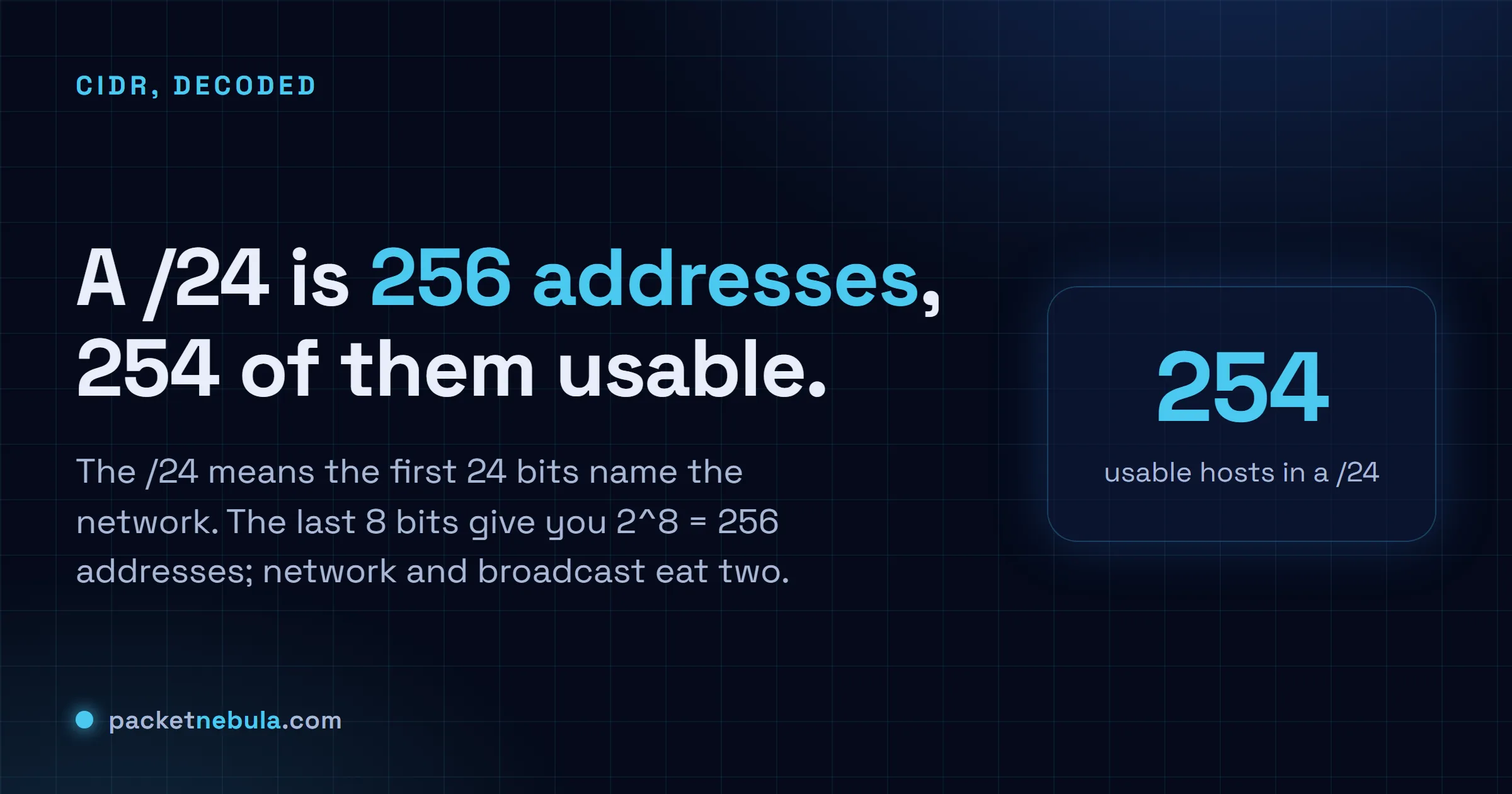
A ticket lands asking for a /24 for the new floor, and everyone in the thread nods like that obviously means something. Here's what it means: a /24 is a block of 256 IP addresses, 254 of them usable, because the number after the slash says how many of the 32 bits name the network instead of the host. That's the whole of subnetting. One line drawn through 32 bits. The mask 255.255.255.0 is the same fact spelled another way, and every other prefix follows the identical rule, from a tiny /30 link to a roomy /16. We'll walk the mask bit by bit with diagrams, show why two addresses always vanish, then get you sizing and splitting real networks in your head, no spreadsheet required.
The short answer
A /24 is a block of 256 consecutive IPv4 addresses: the first 24 of the 32 bits name the network, the last 8 name hosts. Two addresses are reserved (network and broadcast), so you get 254 to assign. The mask spelling of the same fact is 255.255.255.0.
The 32 bits that decide everything
An IPv4 address is just a 32 bit number wearing a costume. We write 192.168.1.57 because four small decimals are friendlier than 11000000101010000000000100111001, but the router sees the bits.
The slash number draws one line through those 32 bits. Left of the line: network bits, identical for every machine on the subnet. Right of the line: host bits, the part that varies. That’s it. That line answers the two questions networking actually runs on: which network does this address belong to, and can I reach that other address directly or does it have to go through the gateway?
192.168.1.0/24
- Mask
- 255.255.255.0
- Usable
- .1 to .254
- Reserved
- .0 network, .255 broadcast
When your laptop at 192.168.1.57/24 wants to talk to 192.168.1.80, it masks both addresses, sees the same 192.168.1 network, and ARPs for the destination directly. Same laptop, destination 8.8.8.8: the masked comparison fails, so the packet goes to the default gateway. Every subnet design decision you’ll ever make is downstream of that one comparison.
Why 254 and not 256
Two addresses in every ordinary subnet are spoken for. The all-zeros host part (192.168.1.0 here) names the subnet itself; you’ll see it in routing tables and firewall rules, never on a network card. The all-ones host part (192.168.1.255) is the broadcast address, the megaphone that reaches every host at once. DHCP discovery still depends on it.
So usable hosts = 2^(host bits) minus 2. A /24 gives 2^8 - 2 = 254. A /26 gives 2^6 - 2 = 62. The two exceptions are deliberate: a /31 keeps both addresses for the two ends of a point-to-point link (RFC 3021 blessed this in 2000, and router vendors followed), and a /32 is a single host by definition.
One mask, four costumes
The same /24 shows up in four notations depending on which config file we’re staring at that day. Identical information, four spellings:
| Notation | Value | Where you meet it |
|---|---|---|
| CIDR | /24 | everywhere modern: cloud consoles, IPAM, conversation |
| Dotted mask | 255.255.255.0 | interface configs, Windows dialogs |
| Hex | 0xFFFFFF00 | some BSD and storage gear |
| Wildcard | 0.0.0.255 | Cisco ACLs and OSPF statements |
The wildcard trips people because it’s the bitwise inverse: 0 means “must match”, 1 means “don’t care”. Type 255.255.255.0 where an ACL wanted 0.0.0.255 and you’ve written a rule that matches almost nothing. We’ve all committed that one exactly once.
The slash notation comes from CIDR, Classless Inter-Domain Routing, defined in RFC 1519 back in 1993 when the old class A/B/C system was visibly running the internet out of addresses. Classes have been dead in routing for three decades. They survive in certification exams and in the habit of calling a /24 a “class C”, which works right up until someone hands you a /22 and the vocabulary collapses.
Sizing real networks without regret
The job is matching host bits to device counts, with growth room. A /24 fits a floor or a small office with margin. The awkward moment arrives at device 255, because resizing a live subnet means touching DHCP scopes, static assignments, firewall rules and at least one printer nobody documented. Fun weekend.
| Prefix | Addresses | Usable | Honest use case |
|---|---|---|---|
| /30 | 4 | 2 | router-to-router links |
| /27 | 32 | 30 | management VLANs, small server pods |
| /26 | 64 | 62 | server VLANs |
| /24 | 256 | 254 | the default LAN, for good reason |
| /23 | 512 | 510 | the floor that outgrew its /24 |
| /22 | 1,024 | 1,022 | campus user VLANs, large WiFi |
My rule after years of moves and mergers: when in doubt, take the next size up inside RFC 1918 space. Private addresses cost nothing. Renumbering costs weekends. The 10.0.0.0/8 block alone holds 65,536 separate /24s, so scarcity is never the real constraint inside.
If you’d rather have the arithmetic done for you, bit map included, our subnet calculator does exactly this and splits blocks into child subnets with a click.
Splitting a block, the part everyone fears
Subnetting a larger block is the skill interviews test and daily work trivializes. Take 10.10.0.0/22, which spans 10.10.0.0 through 10.10.3.255. Borrow two host bits and you get four /24s: 10.10.0.0/24, 10.10.1.0/24, 10.10.2.0/24, 10.10.3.0/24. Each borrowed bit doubles the subnet count and halves their size, and the children always start at clean multiples of the block size.
That’s all VLSM is. Cutting where you choose instead of where a class once told you to. Carve that /22 into a /23 for WiFi and a /24 for wired users, then two /26s for servers and management, and you’ve reproduced the address plan of half the offices on earth.
The /24 keeps its crown anyway, because it’s the largest block where the human-readable boundary and the binary boundary coincide. Third octet is the network, fourth is the host, and a tired engineer at 3 a.m. can read an address without computing anything. Never underestimate a notation optimized for tired engineers.
IPv6 changes the habits, not the logic
Everything above transfers to IPv6 with one mental adjustment: stop counting hosts. The slash notation works identically (the prefix length counts network bits, now out of 128), but the standard subnet size is a /64, which holds 18 quintillion addresses. Nobody sizes an IPv6 segment to its device count. Every LAN gets a /64 because SLAAC, the stateless autoconfiguration mechanism from RFC 4862, expects exactly 64 host bits. Subnetting happens in the layer above: your site gets a /48 or a /56, and you carve it into /64s the way you’d deal cards from a deck you can never exhaust.
A few /24-era reflexes to unlearn. There’s no broadcast address in IPv6, so the subtract-two arithmetic dies; multicast groups took over that job. Subnet conservation, the instinct that made you fight for a /26 instead of a /24, becomes actively harmful: carving smaller than /64 breaks autoconfiguration for no benefit. The network-versus-host comparison your laptop performs still runs the same way though, just on 128 bits, with the on-link determination rules of RFC 5942 layered on top.
The bit logic you built reading this is the part that survives the transition untouched. Prefixes on the left, hosts on the right. One line through the address, in both protocols. That’s subnetting.
Frequently asked questions
Why is it called a /24?
The number after the slash counts how many of an IPv4 address's 32 bits belong to the network part. In a /24 the first 24 bits are fixed and the last 8 vary, which gives 2^8 = 256 addresses. The notation comes from CIDR, introduced in 1993 to replace address classes.
Is 255.255.255.0 the same thing as /24?
Yes, they're two spellings of one mask. Write 255.255.255.0 in binary and you get 24 ones followed by 8 zeros, exactly what /24 says in one breath. Tools and configs accept either; we say slash twenty-four because it's faster.
How many usable IPs are in a /16?
A /16 spans 65,536 addresses, and 65,534 are assignable once you subtract the network and broadcast addresses. Nobody actually runs 65,000 hosts in one flat network though; a /16 gets carved into hundreds of smaller subnets.
What is the smallest subnet I can use?
For hosts, a /30 (4 addresses, 2 usable) traditionally connects two routers. RFC 3021 allows /31 (2 addresses, both usable) on point-to-point links, and modern routers support it, halving address burn. A /32 is a single host. You'll meet it in routing tables and firewall rules, and every loopback interface sits on one.


