
Somebody on your team is going to paste a WebMCP snippet off a blog post this week and then wonder why ChatGPT sees nothing. We did exactly that. OpenAI shipped Site tools on 25 August 2026, its implementation of the WebMCP standard, live in the built-in browser of the ChatGPT desktop app: your page registers tools, and ChatGPT Work or Codex can discover them and call them against the session the user is already signed into. Two things to know before you write any of it. It runs on GPT-5.6 Sol or GPT-5.6 Terra only, because Luna has WebMCP switched off. And the getter is on Document. Most of the guides in circulation still say navigator.
The short answer
A page can now hand ChatGPT a list of named tools instead of letting it guess at your buttons. The gating is narrow, two chunks of the spec are missing from the browser, and the API moved off Navigator earlier this year. Worth building on. Read the limitations first.
What OpenAI actually turned on
The pitch is short. A website registers named actions, the agent reads that list, and the two of you work on the same live page under the same login. OpenAI’s phrasing in the announcement: instead of leaving agents to guess their way through your UI, you define exactly how they can use your app.
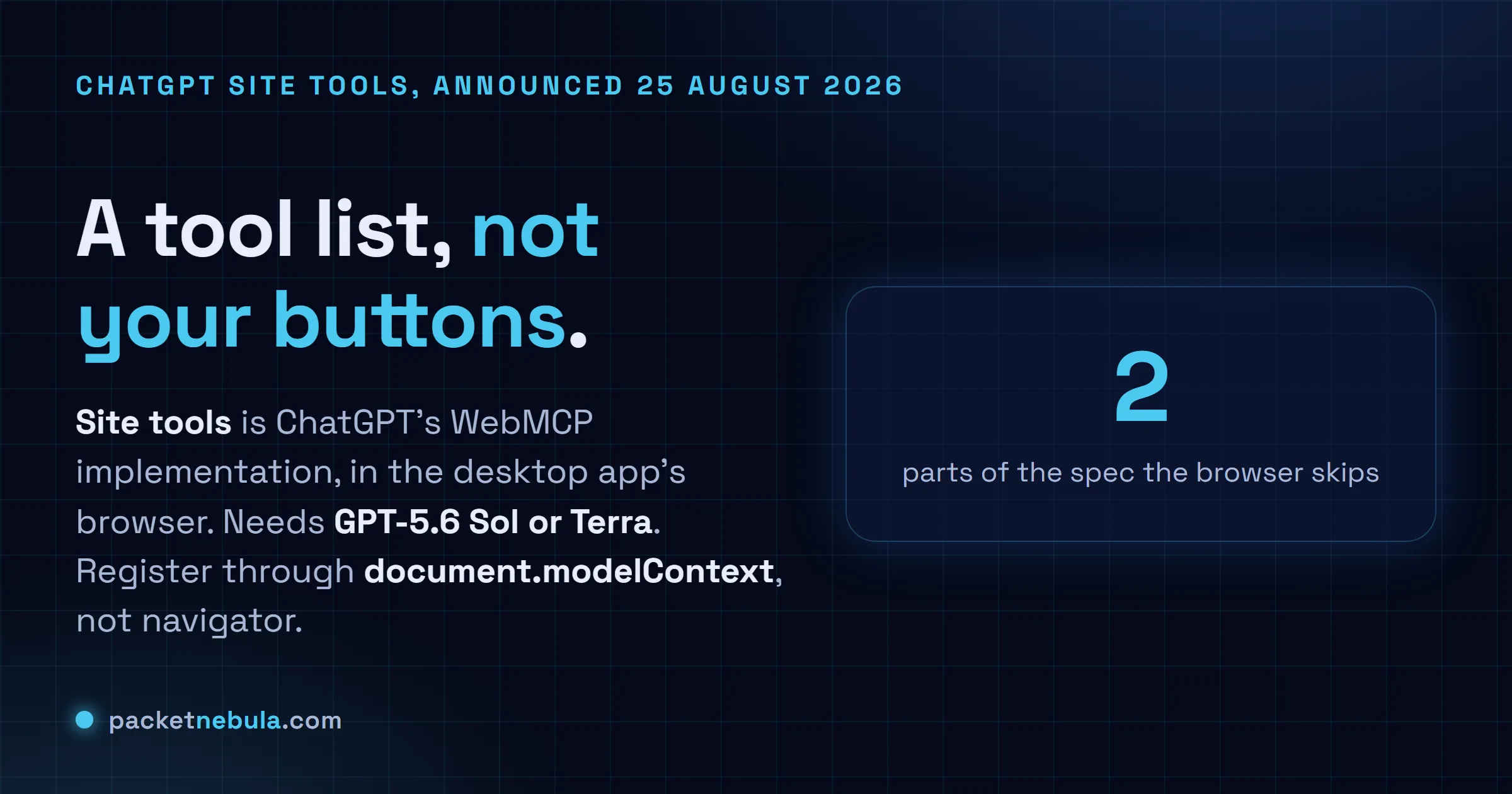
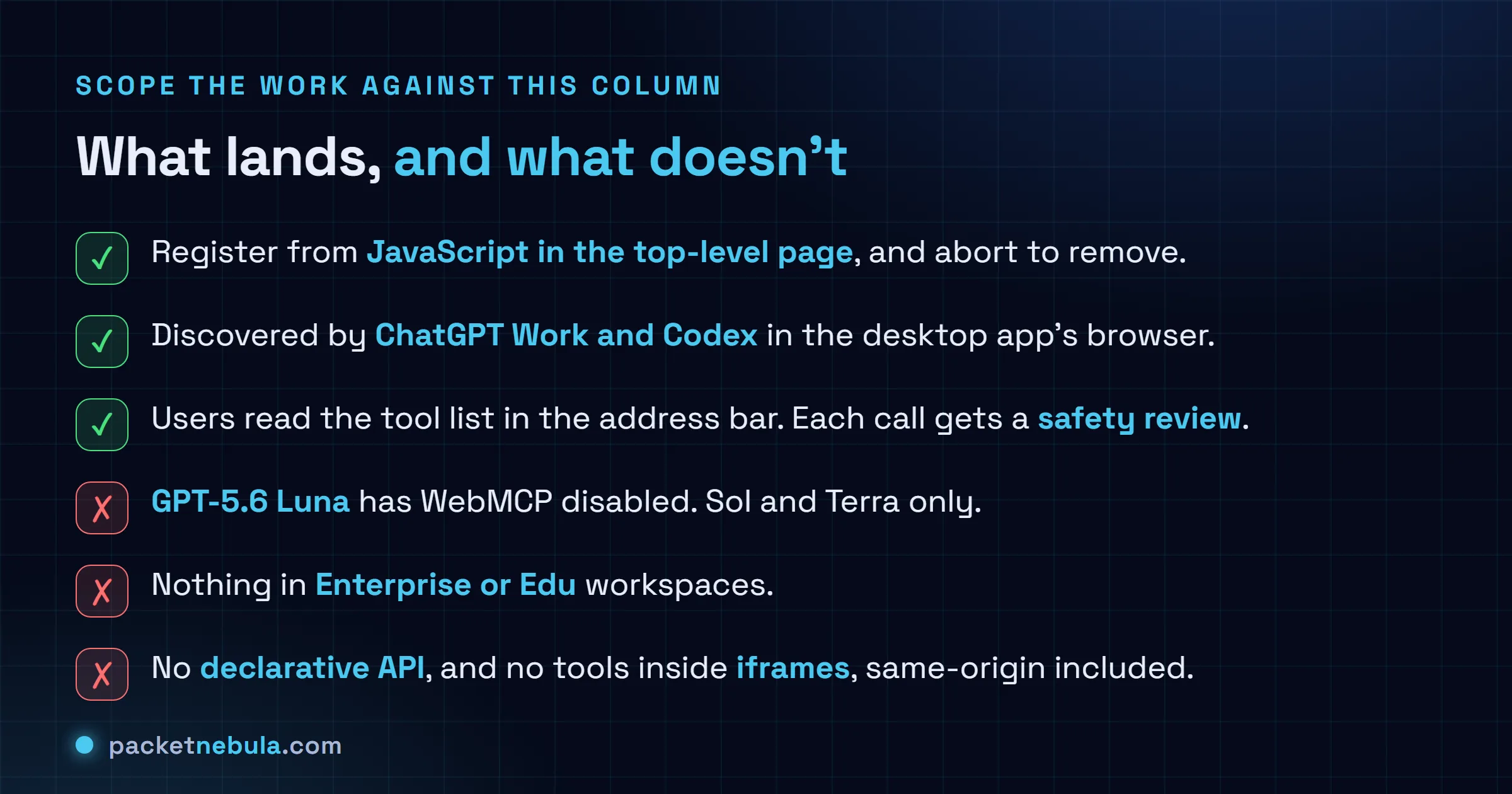
That happens in the built-in browser of the desktop app, for ChatGPT Work and Codex. Users can crack open the address bar, select Site tools, and read every tool the page offered them, which is more transparency than I expected on a first release. OpenAI dogfoods it too. ChatGPT Learn and OpenAI Developers expose tools named search_openai_docs, lookup_page, lookup_context, navigate_to_page and generate_custom_guide, and you can watch the agent use them on the docs site itself.
Tools belong to the page. Navigate away and they’re gone. That sounds obvious until you think about a single-page app that swaps routes without a document change, at which point registration lifetime becomes your problem to manage.
Image: OpenAI. Watch the full WebMCP in ChatGPT demo on YouTube.
The one line that will eat your afternoon
Here is the thing nobody put in a headline. The getter moved.
Chrome first shipped this on navigator.modelContext, and a good chunk of the WebMCP explainers, cheat sheets and starter repos written earlier in 2026 still document partial interface Navigator. The current draft, dated 26 August 2026, does not. It reads:
partial interface Document {
 [SecureContext, SameObject] readonly attribute ModelContext modelContext;
};
OpenAI’s own example matches, checking typeof document.modelContext?.registerTool === "function" before it registers anything. Which is the correct pattern, and also the reason the failure is so quiet: a feature check against the wrong object just returns undefined, your branch never runs, and the page looks fine. No console error. Nothing in the Site tools menu. You’d assume the rollout hadn’t reached you.
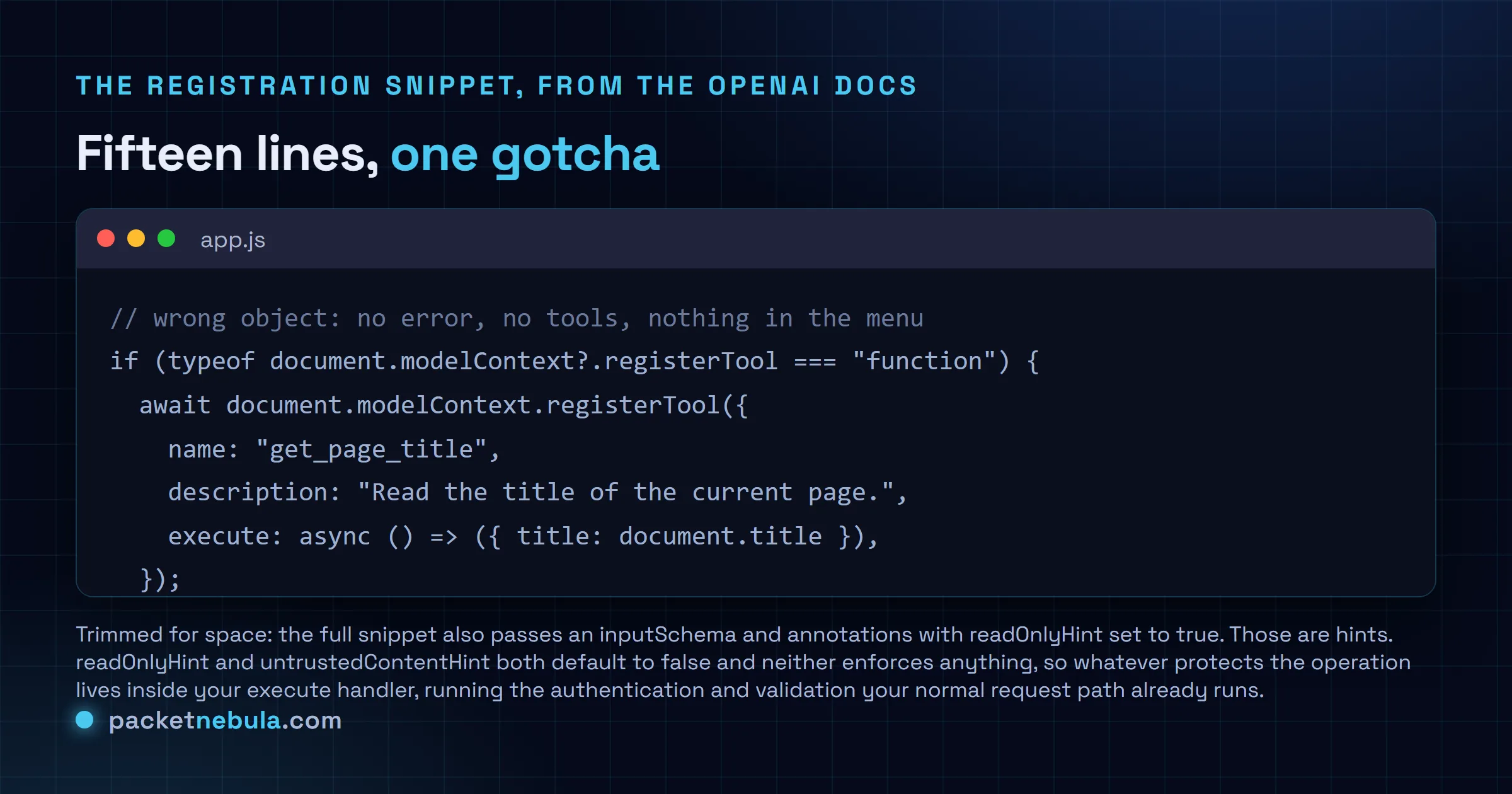
The rest of the interface is small enough to hold in your head: registerTool, getTools, executeTool, plus an ontoolchange event. There’s no unregisterTool. You pass an AbortSignal in the options and abort it when the tool should stop existing, which is a nicer fit for component teardown than a matching call would have been.
Two gaps in the browser
OpenAI says plainly that the built-in browser supports a subset of the WebMCP APIs, and names what’s missing.
The declarative API, where you annotate an HTML form and let the browser derive a tool from it, isn’t picked up. So the zero-JavaScript path people liked in the Chrome write-ups doesn’t get you site tools in ChatGPT today.
Tools registered inside iframes aren’t discovered either, and that includes same-origin iframes. If your product ships as an embedded widget, or your dashboard lives in a frame inside somebody’s portal, you’re outside the feature until that changes. Register from the top-level page or don’t bother.
The security framing is better than I expected
Vendors usually soft-pedal this. OpenAI doesn’t: website-provided tool definitions and results are untrusted content, and a tool’s name or its claim that it only reads data isn’t proof of what it does. Website instructions don’t grant the agent permission to go do something else.
The spec agrees with itself here, which is reassuring. ToolAnnotations carries readOnlyHint and untrustedContentHint, both hints, both defaulting to false. A hint is advice to the agent, not an enforcement boundary. Everything real still has to happen in your handler.
So the guidance in the docs is the guidance we’d give anyway. Keep inputs narrow. Say what a tool changes. Run the same authentication, authorisation and validation your normal request path runs, because execute is now reachable by an agent that reads text from wherever the user has been. Users can also kill the whole feature under Settings, Browser, Permissions, which means you can’t treat site tools as the only way into anything.
Worth remembering that this is a different shape of integration from a server-side MCP connection. MCP hands an agent capabilities that work with no page open at all. WebMCP hands it capabilities that only exist while somebody is looking at your site, in their session. A product can reasonably do both, for different jobs.
Is it worth your afternoon
If you run a dashboard, an editor, or anything where a user and an agent would sensibly stare at the same screen, yes, prototype it. The registration API is about fifteen lines and it wraps logic you already have. The floor is low.
If your traffic is mostly mobile web or you ship inside iframes, no, not this month. The audience is people running a desktop ChatGPT app on Sol or Terra, and that’s a slice of a slice.
I might be wrong about the timing. Google put the standard out in a Chrome origin trial from Chrome 149 back in May, Shopify says millions of its storefronts already register tools, and now the two biggest agent surfaces on the web read the same API. That’s the sort of alignment that stops being optional fast.
If you want a reason to try it this week, OpenAI is running a ten-day WebMCP Challenge with Google Chrome, Cloudflare, Shopify, Vercel, Render and Netlify. $35,000 in cash prizes, submissions close 4 September 2026 at 00:00 UTC, ten winners announced on 23 September. Tight, but the entry bar is a page that registers a tool.
Sources
Primary: OpenAI’s Site tools documentation on ChatGPT Learn (model gating, limitations, security notes and the registration snippet), the announcement post Build Agent Ready Websites with ChatGPT dated 25 August 2026, and the WebMCP Challenge thread for the prize pool and deadline. Spec text and the WebIDL: the WebMCP Draft Community Group Report of 26 August 2026 from the W3C Web Machine Learning Community Group. Chrome’s origin trial and version numbering: Chrome’s WebMCP developer guide. Independent coverage, including the Shopify adoption line: VKTR and Search Engine Journal. Checked on 31 August 2026.
Frequently asked questions
What are ChatGPT Site tools?
Site tools are ChatGPT's implementation of WebMCP, a proposed browser standard for letting a web page hand an agent a set of named tools instead of making it click around the interface. They live in the built-in browser of the ChatGPT desktop app, where ChatGPT Work and Codex can discover whatever the current page registered and call it inside the user's signed-in session. OpenAI announced them on 25 August 2026.
Which models support WebMCP in ChatGPT?
GPT-5.6 Sol and GPT-5.6 Terra. OpenAI's documentation says GPT-5.6 Luna currently has WebMCP disabled. You also need the built-in browser in an up-to-date ChatGPT desktop app, and Site tools are not available in Enterprise or Edu workspaces. Availability otherwise depends on rollout and on whether the page you are viewing provides any tools.
Is it navigator.modelContext or document.modelContext?
Document. The current WebMCP draft, dated 26 August 2026, defines a partial interface on Document carrying a SecureContext readonly attribute called modelContext, and OpenAI's own example checks for document.modelContext?.registerTool. Plenty of material written earlier in 2026 documents a partial interface on Navigator instead, which is where Chrome first shipped it. If you copy one of those, your feature check fails silently and no tools ever register.
What parts of WebMCP does the ChatGPT browser not support?
Two, per OpenAI's docs. The declarative API, where tools are defined through HTML form attributes, is not picked up. Neither are tools registered inside iframes, same-origin ones included. So you register from JavaScript in the top-level page. The agent can still poke at forms with ordinary browser capabilities, but those are not WebMCP tool calls and you get none of the safety plumbing that comes with them.
Are site tools safe to expose?
OpenAI is blunt about the direction of the risk: website-provided tool definitions and results are untrusted content, and a tool claiming to be read-only is not proof that it is. Each invocation gets a safety review in the browser and consequential actions still ask the user. On your side, a registered tool is a public API surface for anything an agent can be talked into. Reuse the authentication and validation your app already has rather than trusting the schema to constrain the caller.


