
• Latest
  • Trending
  • All
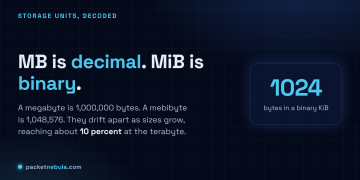
Answer card showing MB as 1,000,000 bytes (decimal) next to MiB as 1,048,576 bytes (binary), with the note that they drift apart as numbers grow.

MB vs MiB: why your 1 TB drive shows up as 931 GB

20 June 2026
Answer card stating that Ternary Bonsai 2 27B, released by PrismML on 17 September 2026 under Apache 2.0, packs Qwen3.8 27B into 5.95 gigabytes at 1.72 bits per weight, keeps 98.2 percent of the 14-benchmark average, about 75 percent on SWE-bench Verified and Terminal-Bench 2.1, and needs PrismML's llama.cpp fork to run.

Does Bonsai 2 27B really keep 98% of Qwen3.8 in 5.95 GB?

20 September 2026
Answer card stating that Jev 1.13 from TypeSafe AI is a decision model in early access since 15 September 2026 that returns typed probabilities instead of text, priced at 42 dollars per billion input tokens with output tokens free, answering in 70 to 500 milliseconds, with a 64K token request budget, text input only, and a documented list of things it does badly, including counting and dates.

Jev 1.13 bills $42 a billion tokens, and it can’t count

19 September 2026
Answer card stating that Qwen3.8-Omni-Flash launched on 17 September 2026 as an API only model on Alibaba Cloud Model Studio, taking text, images, audio and video in a 1M token context and returning text only, priced at 0.15 dollars per million input tokens for every modality and 0.47 dollars per million output tokens in the international regions, with no open weights published and the Qwen-Live Harness GitHub repository returning 404.

Qwen3.8-Omni-Flash bills audio at $0.15 and ships no weights

18 September 2026
Answer card stating that on 15 September 2026 AWS said it is unable to restore access to resources and data hosted exclusively in the Middle East Bahrain region me-south-1 and in the mec1-az2 zone of the UAE region, because the damage spanned multiple Availability Zones and exceeded what multi-AZ services are designed to withstand.

AWS can’t restore me-south-1, six months after the drone strikes

17 September 2026
Answer card stating that Google released Gemini 3.8 Live and Gemini 3.8 Live Extended Thinking on 15 September 2026 at 3 dollars per million audio input tokens and 12 dollars out, that the thinking model requires asynchronous tools, and that Artificial Analysis scores it 82.6 on its Speech to Speech Quality Index.

Gemini 3.8 Live Extended Thinking rejects any tool that blocks

16 September 2026
Answer card summarising the Atria Dawn Preview release: 744B GLM-5.2 base, MIT licence, 1.5 TB BF16 and 756 GB FP8 checkpoints, 256K context, top on five of sixteen benchmark rows and trailing on SWE-bench Pro.

Atria Dawn Preview is 744B under MIT, and the BF16 weighs 1.5 TB

15 September 2026
Answer card stating that OpenAI released the Agents API in public beta on 10 September 2026 with no separate fee, billed through model tokens, tool calls and hosted sandbox time, with a choice of OpenAI hosted, self hosted or partner sandboxes, US only data residency and no Zero Data Retention support.

OpenAI’s Agents API has no fee, no ZDR and a one hour sandbox clock

14 September 2026
Answer card: Sakana Fugu Max at $2 and $6 per million tokens, Fugu Ultra v2 unchanged at $5 and $30, and Sakana saying Ultra v2 scores without Fable 5 or GPT-6 Astra in its pool.

Fugu Max costs $2 and $6 while Fugu Ultra v2 runs without Fable 5

13 September 2026
Answer card stating that DeepSeek released DeepSeek-V4.1-Flash on 10 September 2026 as a 552 billion parameter mixture of experts model with a new causal encoder decoder architecture that activates 8 billion parameters on input and 16 billion on output, with native vision, a one million token context and MIT licensed weights, that the API model name is now deepseek-flash at 0.15 dollars per million input tokens and 0.60 dollars per million output tokens off peak, and that DeepSeek announced V4 Pro would be routed to V4.1-Flash from 14 September and reversed that on 11 September.

DeepSeek V4.1-Flash arrived, and the V4 Pro retirement lasted a day

12 September 2026
Answer card stating that Cognition released SWE-2 on 10 September 2026, a coding model post-trained from Kimi K3, scoring 50.0 percent on FrontierCode 1.1 Main against 50.9 percent for Claude Fable 5.1 and 27.3 percent on Terminal-Bench 4 against 55.8 percent, available only inside Devin.

SWE-2 trails Fable 5.1 by one point, and by 28 on Terminal-Bench 4

11 September 2026
Answer card for Meta Muse, free to 100 million tokens a week then $20 a month, launched 8 September 2026 for United States adults only, running in a dedicated per user virtual machine.

Does Meta Muse do enough to earn your inbox and a card on file?

9 September 2026
Answer card stating that the public download pages for the VMware Virtual Disk Development Kit on developer.broadcom.com began returning 404 errors on 25 August 2026 with no announcement or deprecation notice, that Broadcom support tells customers the kit is no longer available for use or download, and that release lines 7.0.3.1, 8.x and 9.x are all affected.

Broadcom pulled VDDK 8.0 and 9.0, and the 404 is the only notice

8 September 2026
  • About
  • Contact
  • Privacy
  • Legal
Monday, September 21, 2026
  • Login
Packet Nebula
  • Home
  • Articles
    • Security
    • Network
    • Dev
    • Sysadmin
    • SEO
    • Email & DNS
  • Tools
    • Network tools: free, fast, no signup
    • Security tools: free, fast, no signup
    • Developer tools: free, fast, no signup
    • Sysadmin tools: free, fast, no signup
    • SEO tools: free, fast, no signup
    • Email & DNS tools: free, fast, no signup
  • Download
  • About
No Result
View All Result
Packet Nebula
No Result
View All Result
Home Sysadmin

MB vs MiB: why your 1 TB drive shows up as 931 GB

by stephane
20 June 2026
in Sysadmin
0
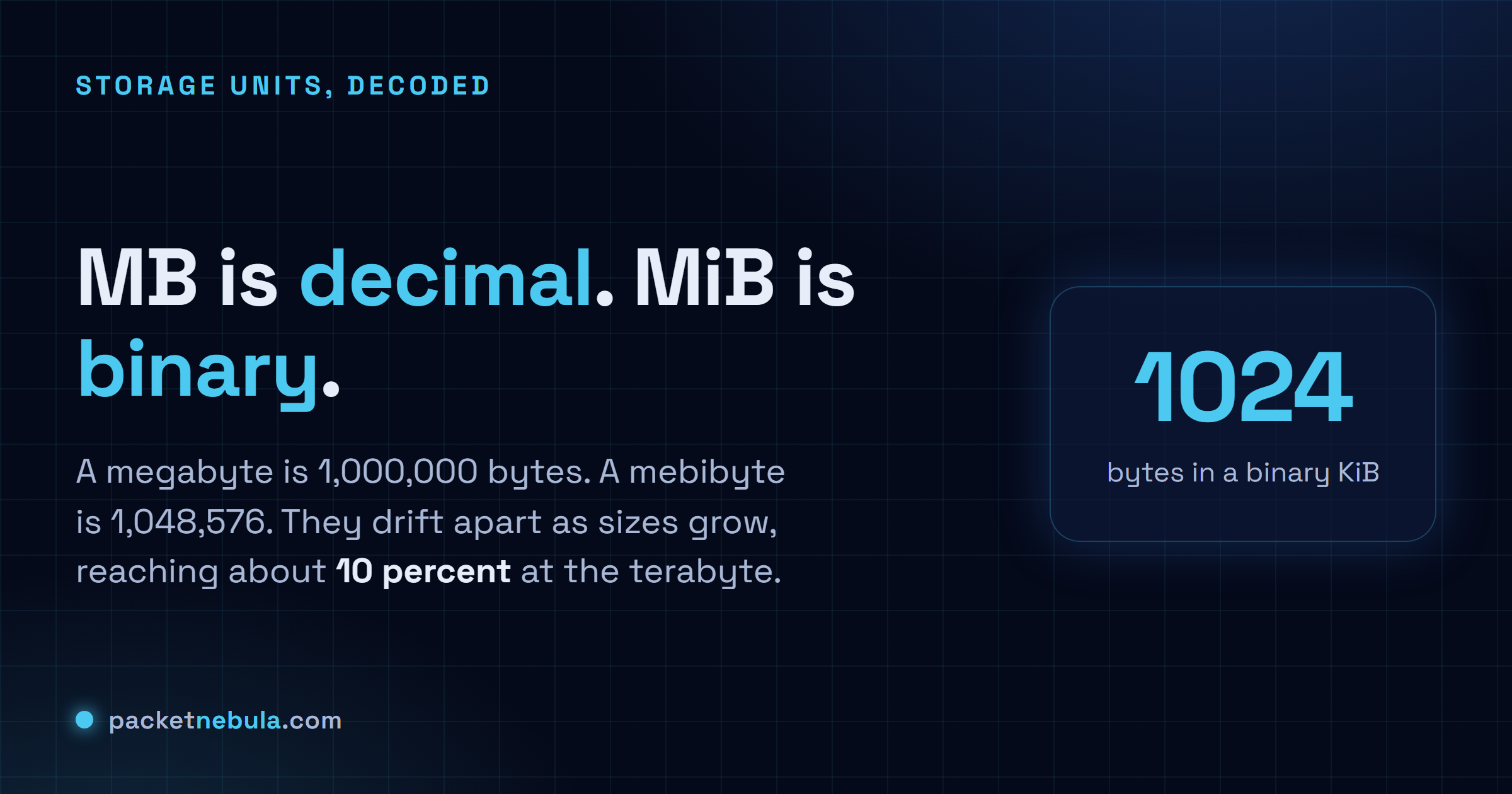
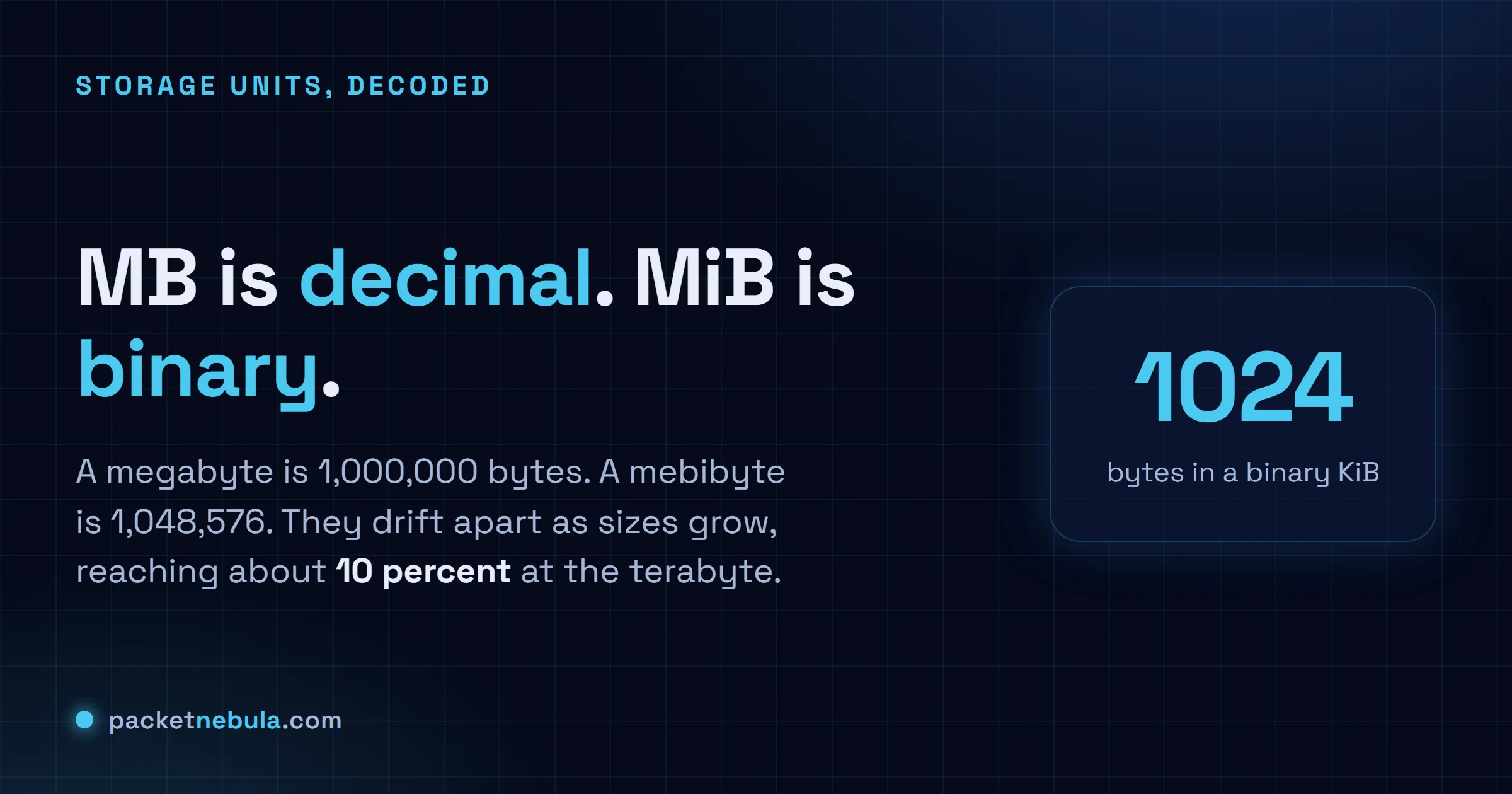
Answer card showing MB as 1,000,000 bytes (decimal) next to MiB as 1,048,576 bytes (binary), with the note that they drift apart as numbers grow.
492
SHARES
1.4k
VIEWS
Share on FacebookShare on Twitter

You buy a 1 TB drive, plug it in, and Windows cheerfully reports 931 GB. Nothing's broken and nobody robbed you, but it's annoying, and it comes down to MB vs MiB, the difference between counting in 1000 and counting in 1024. A megabyte is a clean million bytes. A mebibyte is 1,048,576, the value computers actually work in, and it wears almost the same name. The two are nearly equal for small files and pull apart as the numbers climb, until at the terabyte mark the gap is about 10 percent. That's your missing 69 GB, right there. Here's where each unit shows up, and the bits-versus-bytes twist that makes a fast line feel slow.

The short answer

MB is decimal, a megabyte is 1,000,000 bytes. MiB is binary, a mebibyte is 1,048,576. They’re nearly equal for small files and pull apart as sizes grow, hitting about 10 percent at the terabyte. That gap, not lost space, is why a 1 TB drive shows up as 931 in Windows.
1000bytes in a decimal kB
1024bytes in a binary KiB
931 GiBwhat a 1 TB drive holds
Answer card showing MB as 1,000,000 bytes (decimal) next to MiB as 1,048,576 bytes (binary), with the note that they drift apart as numbers grow.
Same prefix energy, different base. One counts in 1000, the other in 1024.

1000 or 1024: the two families

Two unit systems wear nearly the same names, and that’s the whole mess. The decimal one is the SI system from school: a kilobyte is 1000 bytes, a megabyte a million, a gigabyte a billion, a terabyte a trillion. Clean powers of ten.

The binary one follows how memory is addressed, in powers of two. The closest tidy binary number to 1000 is 1024, so early computing borrowed kilo, mega and giga and quietly bent them to the 1024 meaning. For decades “kilobyte” meant 1024 bytes in one breath and 1000 in the next, and you were left to guess from context. In 1998 the IEC tried to end it with separate binary names: kibibyte (KiB, 1024 bytes), mebibyte (MiB, 1024 KiB), gibibyte (GiB), tebibyte (TiB). The i is for binary. The plan: MB would always be a clean million, MiB would carry the 1,048,576.

It half worked. Engineers and Linux tooling use the binary names happily. Marketing, and most casual writing, still says GB and means whichever is handy.
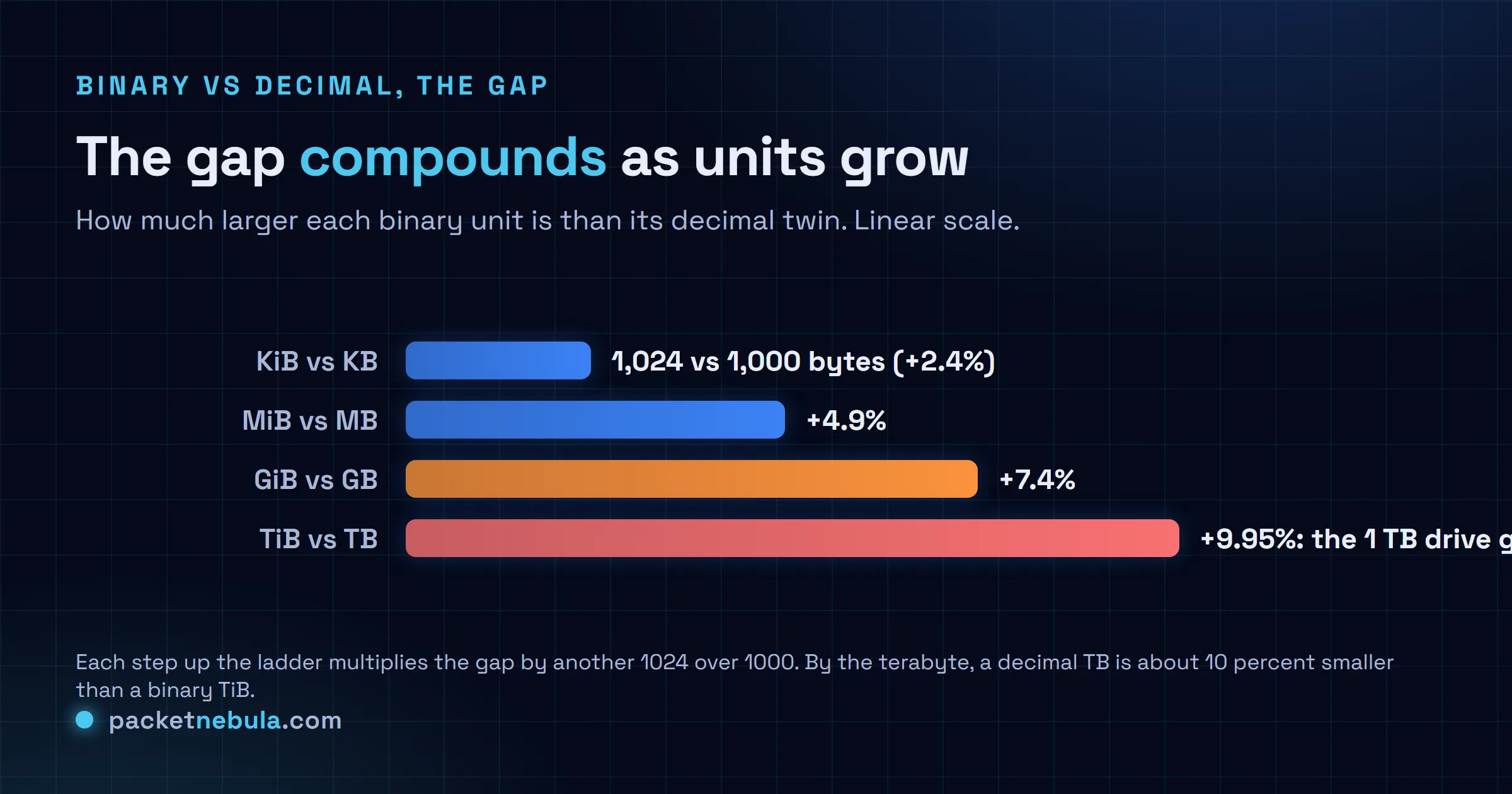
Comparison chart of the gap between binary and decimal units: KiB is 2.4 percent larger than KB, MiB 4.9 percent, GiB 7.4 percent, TiB about 10 percent.
The gap isn't fixed. It compounds, roughly 2.4 percent more per step up the ladder.

The drift is the part people miss. At the kilobyte level the two differ by 2.4 percent, small enough to wave off. Every step up multiplies the gap by another 1024 over 1000, so a mebibyte runs about 4.9 percent over a megabyte, a gibibyte 7.4 percent, and by the terabyte you’re near 10. The more you store, the louder it gets.

Why the 1 TB drive shows 931

Drive makers measure in decimal, always have. A “1 TB” disk is sold as exactly 1,000,000,000,000 bytes, and that number is honest. The trouble is what the OS does next.

Windows takes those bytes and divides by 1024 three times to reach gigabytes, because under the hood it counts in binary. A trillion over 1024 cubed is about 931. Fine so far. The misleading bit is the label: Windows prints that 931 as “GB” when what it computed is really GiB. Every byte you paid for is sitting there. The file manager just measured with one ruler and wrote down the name of the other.

It’s also why the three operating systems seem to argue. macOS has reported storage in decimal since 2009, so the same drive reads as roughly 1 TB in Finder and nobody panics. Linux splits by tool: df -h and ls -lh use binary but print a bare G or M, while df -H switches to decimal. Only Windows pairs binary math with decimal-looking labels, which is why “where did my space go” is mostly a Windows question.
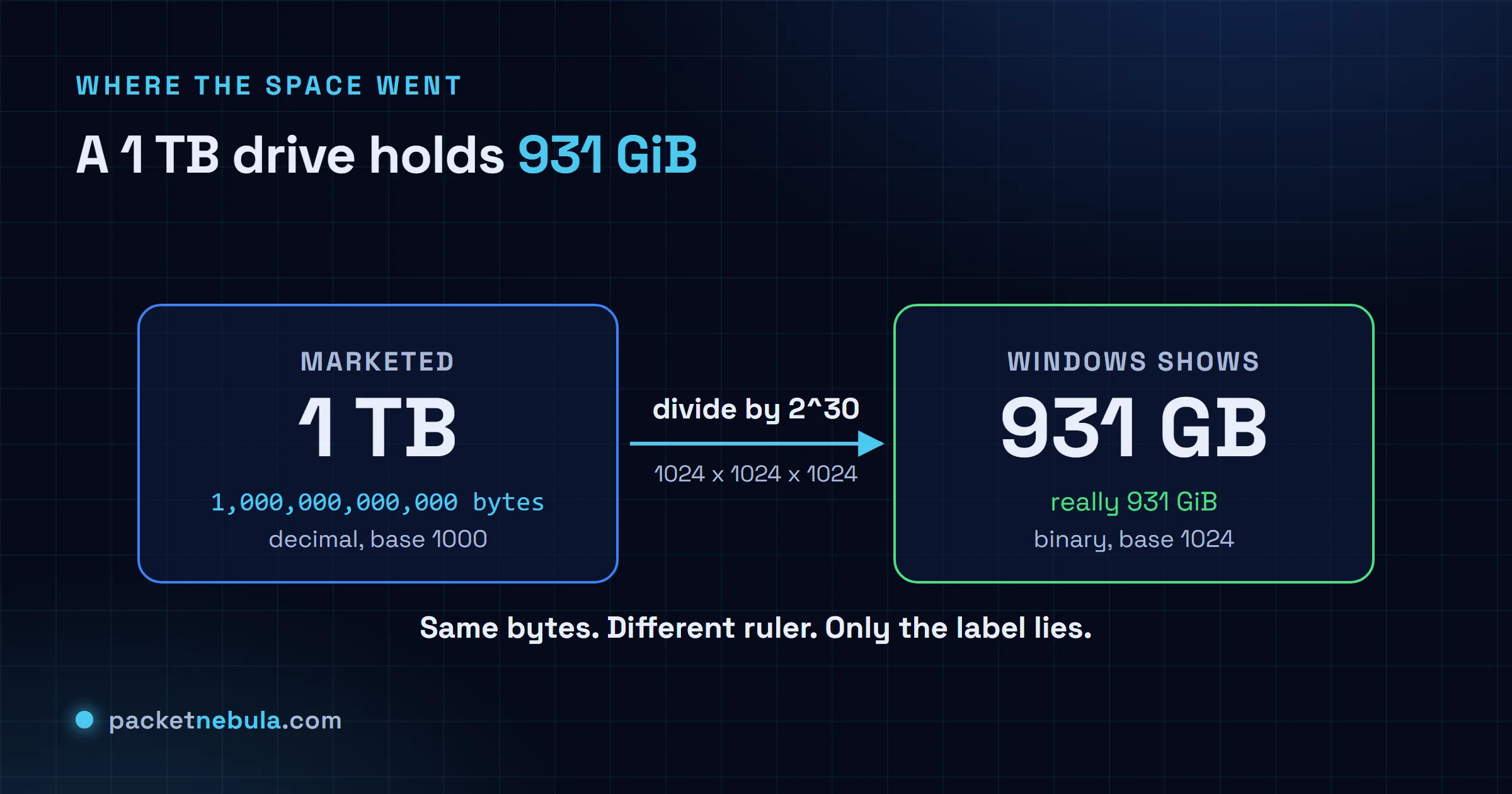
Diagram: a 1 TB drive marketed as 1,000,000,000,000 decimal bytes, divided by 2 to the 30, equals 931 GiB, which Windows displays as 931 GB.
No bytes go missing. The marketed number is decimal, the shown number is binary, and only the label lies.

Bits vs bytes: the other factor of 8

There’s a second trap right next door, and it bites when you download. Networking is sold in bits, storage is measured in bytes, and a byte is eight bits. The casing is the only tell: lowercase b is a bit, uppercase B is a byte. Your ISP advertises a “300 Mbps” line, that’s 300 megabits a second, and the file you’re pulling is sized in megabytes. Divide by 8 and the real ceiling is about 37.5 MB/s, before overhead nibbles a little more.

So a connection that sounds like three-hundred-anything actually saves a 4 GB file in a couple of minutes on a good day, not seconds. Nobody’s lying. The line and the file are just quoting different units. For a specific file and speed, our data transfer calculator does the bits, the bytes and the 1024-versus-1000 in one shot, so you’re not juggling a factor of 8 and a factor of 1024 in your head at the same time.

So which should you write?

When it’s your call, use the binary names when you actually mean binary. RAM is the clear case: a 16 GB stick really is 16 GiB, memory is addressed in powers of two and there’s no decimal version of it, so GiB there is just correct. Use plain MB and GB for the decimal world, drive capacity, network speed, anything a vendor quotes.

Mostly, though, you can read it off the context, because the conventions barely move. Storage and bandwidth, decimal. Memory, binary. Windows file sizes, binary in decimal clothing. None of it is lost space or a rounding bug. It’s two number systems unlucky enough to share a set of prefixes, and the second you can tell which one is in play, the missing gigabytes stop being a mystery and turn back into arithmetic. If powers of two are your weak spot, the same 1024 instinct shows up again in subnet math, where every prefix bit doubles the block.

Frequently asked questions

Is 1 MB 1000 KB or 1024 KB?

Strictly, 1 MB is 1000 kB. The megabyte is decimal. The 1024 version is a mebibyte, 1 MiB. Plenty of people still say MB for the binary 1,048,576-byte amount though, especially on Windows, which is where the confusion breeds.

Why does my hard drive show less space than advertised?

The maker counts in decimal, so 1 TB is 1,000,000,000,000 bytes. Windows then divides by 1024 three times but keeps the decimal label, and prints 931 GB. Every byte is there. A trillion bytes is simply 931 GiB. Nothing got wasted or hidden.

What is the difference between Mb and MB?

Lowercase b is a bit, uppercase B is a byte, and a byte is eight bits. Internet speed sells in megabits per second (Mbps); files are sized in megabytes (MB). Divide an Mbps number by 8 for a rough megabytes-per-second ceiling, so 100 Mbps tops out near 12.5 MB/s.

Do macOS and Linux disagree with Windows about this?

They do. Since 2009 macOS reports storage in decimal, so a 1 TB drive reads as about 1 TB in Finder. Linux tools like df and ls use binary with -h but label it G or M, and flip to decimal with -H. Only Windows mixes binary math with decimal labels, which is why the missing space is mostly a Windows story.

What are kibibyte, mebibyte and gibibyte?

They're the IEC binary units: 1 KiB is 1024 bytes, 1 MiB is 1024 KiB, 1 GiB is 1024 MiB. The names landed in 1998 so you could say the 1024 value out loud without hijacking kilo, mega and giga, which in proper SI mean 1000.

Tags: articledata-transfernetworkingstoragesysadminunits
Share197Tweet123
stephane

stephane

  • Trending
  • Comments
  • Latest
Answer card: Proton Lumo 2.0 is private by policy, not by locality. Saved history is locked so even Proton cannot read it, but the prompt is decrypted on a Proton EU server to answer it, then forgotten.

Proton Lumo 2.0 review: how private is it, really?

3 September 2026
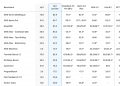
The Agentic Coding section of the official Hy4 preview benchmark appendix published by Tencent, a table comparing Hy3 and Hy4 preview against DeepSeek V4 Pro 0813, Qwen 3.8 Max, GLM 5.3, Kimi K3, GPT 5.6 Sol and Claude Opus 5 across SWE-bench Multilingual, SWE-bench Pro, DeepSWE, three SWE Atlas tasks, SWE-Marathon, Terminal-Bench 2.1, NL2Repo-Bench, CyberGym, ProgramBench, PostTrainBench and Harbor-Index.

Tencent’s 770B Hy4 tops one benchmark row in 46

3 September 2026
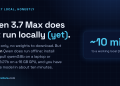
Answer card: Qwen 3.7 Max is API-only and cannot run locally yet; the open Qwen models (Qwen 3.6 27B, qwen3:8b to 32b) run offline via Ollama.

Qwen 3.7 local: what you can actually run offline

22 June 2026
Answer card: JWTs are not encrypted, anyone can read them; the signature proves who issued the token, not who may read it.

Are JWTs encrypted? No, and the difference will bite you

0
Answer card: a random 8 character password falls in under 2 hours offline, while 16 random characters hold for 1.4 trillion years at the same speed.

How long does it take to crack a password in 2026?

0
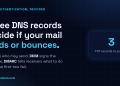
Answer card: three DNS records decide if your mail lands or bounces; SPF lists allowed senders, DKIM signs messages, DMARC sets the failure policy.

SPF, DKIM and DMARC explained: the records your email needs

0
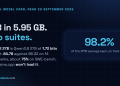
Answer card stating that Ternary Bonsai 2 27B, released by PrismML on 17 September 2026 under Apache 2.0, packs Qwen3.8 27B into 5.95 gigabytes at 1.72 bits per weight, keeps 98.2 percent of the 14-benchmark average, about 75 percent on SWE-bench Verified and Terminal-Bench 2.1, and needs PrismML's llama.cpp fork to run.

Does Bonsai 2 27B really keep 98% of Qwen3.8 in 5.95 GB?

20 September 2026
Answer card stating that Jev 1.13 from TypeSafe AI is a decision model in early access since 15 September 2026 that returns typed probabilities instead of text, priced at 42 dollars per billion input tokens with output tokens free, answering in 70 to 500 milliseconds, with a 64K token request budget, text input only, and a documented list of things it does badly, including counting and dates.

Jev 1.13 bills $42 a billion tokens, and it can’t count

19 September 2026
Answer card stating that Qwen3.8-Omni-Flash launched on 17 September 2026 as an API only model on Alibaba Cloud Model Studio, taking text, images, audio and video in a 1M token context and returning text only, priced at 0.15 dollars per million input tokens for every modality and 0.47 dollars per million output tokens in the international regions, with no open weights published and the Qwen-Live Harness GitHub repository returning 404.

Qwen3.8-Omni-Flash bills audio at $0.15 and ships no weights

18 September 2026
  • About
  • Contact
  • Privacy
  • Legal

Copyright © 2026 Stephane Cardon.

Welcome Back!

Login to your account below

Forgotten Password?

Retrieve your password

Please enter your username or email address to reset your password.

Log In
No Result
View All Result
  • Home
  • Articles
    • Security
    • Network
    • Dev
    • Sysadmin
    • SEO
    • Email & DNS
  • Tools
    • Network tools: free, fast, no signup
    • Security tools: free, fast, no signup
    • Developer tools: free, fast, no signup
    • Sysadmin tools: free, fast, no signup
    • SEO tools: free, fast, no signup
    • Email & DNS tools: free, fast, no signup
  • Download
  • About

Copyright © 2026 Stephane Cardon.