
• Latest
  • Trending
  • All
Answer card: a DMARC aggregate report is a daily XML summary of who sent mail as your domain, how many messages, and whether DKIM and SPF passed and aligned.

How to read a DMARC report: the aggregate XML, decoded

20 June 2026
Answer card stating that Ternary Bonsai 2 27B, released by PrismML on 17 September 2026 under Apache 2.0, packs Qwen3.8 27B into 5.95 gigabytes at 1.72 bits per weight, keeps 98.2 percent of the 14-benchmark average, about 75 percent on SWE-bench Verified and Terminal-Bench 2.1, and needs PrismML's llama.cpp fork to run.

Does Bonsai 2 27B really keep 98% of Qwen3.8 in 5.95 GB?

20 September 2026
Answer card stating that Jev 1.13 from TypeSafe AI is a decision model in early access since 15 September 2026 that returns typed probabilities instead of text, priced at 42 dollars per billion input tokens with output tokens free, answering in 70 to 500 milliseconds, with a 64K token request budget, text input only, and a documented list of things it does badly, including counting and dates.

Jev 1.13 bills $42 a billion tokens, and it can’t count

19 September 2026
Answer card stating that Qwen3.8-Omni-Flash launched on 17 September 2026 as an API only model on Alibaba Cloud Model Studio, taking text, images, audio and video in a 1M token context and returning text only, priced at 0.15 dollars per million input tokens for every modality and 0.47 dollars per million output tokens in the international regions, with no open weights published and the Qwen-Live Harness GitHub repository returning 404.

Qwen3.8-Omni-Flash bills audio at $0.15 and ships no weights

18 September 2026
Answer card stating that on 15 September 2026 AWS said it is unable to restore access to resources and data hosted exclusively in the Middle East Bahrain region me-south-1 and in the mec1-az2 zone of the UAE region, because the damage spanned multiple Availability Zones and exceeded what multi-AZ services are designed to withstand.

AWS can’t restore me-south-1, six months after the drone strikes

17 September 2026
Answer card stating that Google released Gemini 3.8 Live and Gemini 3.8 Live Extended Thinking on 15 September 2026 at 3 dollars per million audio input tokens and 12 dollars out, that the thinking model requires asynchronous tools, and that Artificial Analysis scores it 82.6 on its Speech to Speech Quality Index.

Gemini 3.8 Live Extended Thinking rejects any tool that blocks

16 September 2026
Answer card summarising the Atria Dawn Preview release: 744B GLM-5.2 base, MIT licence, 1.5 TB BF16 and 756 GB FP8 checkpoints, 256K context, top on five of sixteen benchmark rows and trailing on SWE-bench Pro.

Atria Dawn Preview is 744B under MIT, and the BF16 weighs 1.5 TB

15 September 2026
Answer card stating that OpenAI released the Agents API in public beta on 10 September 2026 with no separate fee, billed through model tokens, tool calls and hosted sandbox time, with a choice of OpenAI hosted, self hosted or partner sandboxes, US only data residency and no Zero Data Retention support.

OpenAI’s Agents API has no fee, no ZDR and a one hour sandbox clock

14 September 2026
Answer card: Sakana Fugu Max at $2 and $6 per million tokens, Fugu Ultra v2 unchanged at $5 and $30, and Sakana saying Ultra v2 scores without Fable 5 or GPT-6 Astra in its pool.

Fugu Max costs $2 and $6 while Fugu Ultra v2 runs without Fable 5

13 September 2026
Answer card stating that DeepSeek released DeepSeek-V4.1-Flash on 10 September 2026 as a 552 billion parameter mixture of experts model with a new causal encoder decoder architecture that activates 8 billion parameters on input and 16 billion on output, with native vision, a one million token context and MIT licensed weights, that the API model name is now deepseek-flash at 0.15 dollars per million input tokens and 0.60 dollars per million output tokens off peak, and that DeepSeek announced V4 Pro would be routed to V4.1-Flash from 14 September and reversed that on 11 September.

DeepSeek V4.1-Flash arrived, and the V4 Pro retirement lasted a day

12 September 2026
Answer card stating that Cognition released SWE-2 on 10 September 2026, a coding model post-trained from Kimi K3, scoring 50.0 percent on FrontierCode 1.1 Main against 50.9 percent for Claude Fable 5.1 and 27.3 percent on Terminal-Bench 4 against 55.8 percent, available only inside Devin.

SWE-2 trails Fable 5.1 by one point, and by 28 on Terminal-Bench 4

11 September 2026
Answer card for Meta Muse, free to 100 million tokens a week then $20 a month, launched 8 September 2026 for United States adults only, running in a dedicated per user virtual machine.

Does Meta Muse do enough to earn your inbox and a card on file?

9 September 2026
Answer card stating that the public download pages for the VMware Virtual Disk Development Kit on developer.broadcom.com began returning 404 errors on 25 August 2026 with no announcement or deprecation notice, that Broadcom support tells customers the kit is no longer available for use or download, and that release lines 7.0.3.1, 8.x and 9.x are all affected.

Broadcom pulled VDDK 8.0 and 9.0, and the 404 is the only notice

8 September 2026
  • About
  • Contact
  • Privacy
  • Legal
Sunday, September 20, 2026
  • Login
Packet Nebula
  • Home
  • Articles
    • Security
    • Network
    • Dev
    • Sysadmin
    • SEO
    • Email & DNS
  • Tools
    • Network tools: free, fast, no signup
    • Security tools: free, fast, no signup
    • Developer tools: free, fast, no signup
    • Sysadmin tools: free, fast, no signup
    • SEO tools: free, fast, no signup
    • Email & DNS tools: free, fast, no signup
  • Download
  • About
No Result
View All Result
Packet Nebula
No Result
View All Result
Home Email & DNS

How to read a DMARC report: the aggregate XML, decoded

by stephane
20 June 2026
in Email & DNS
0
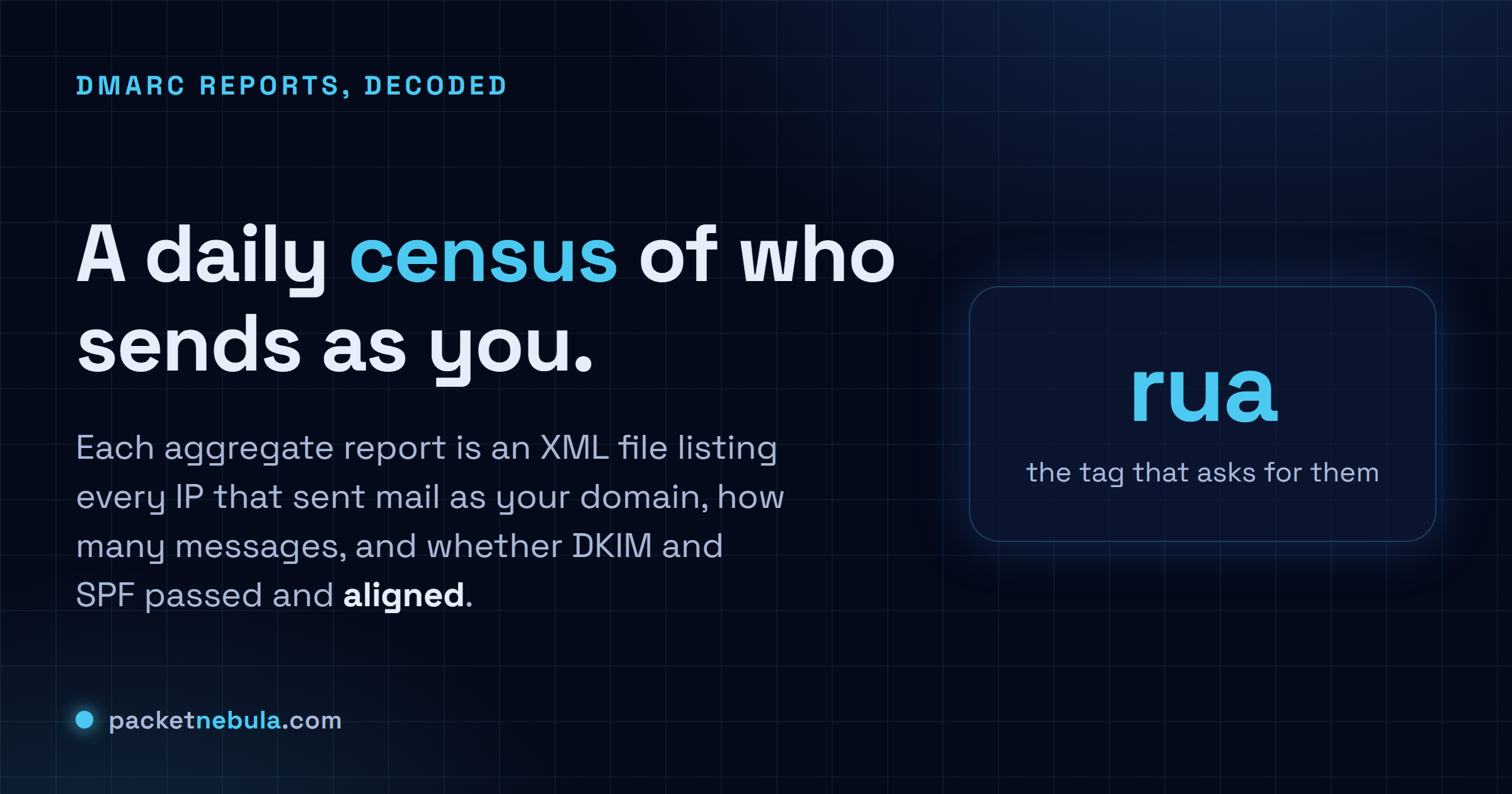
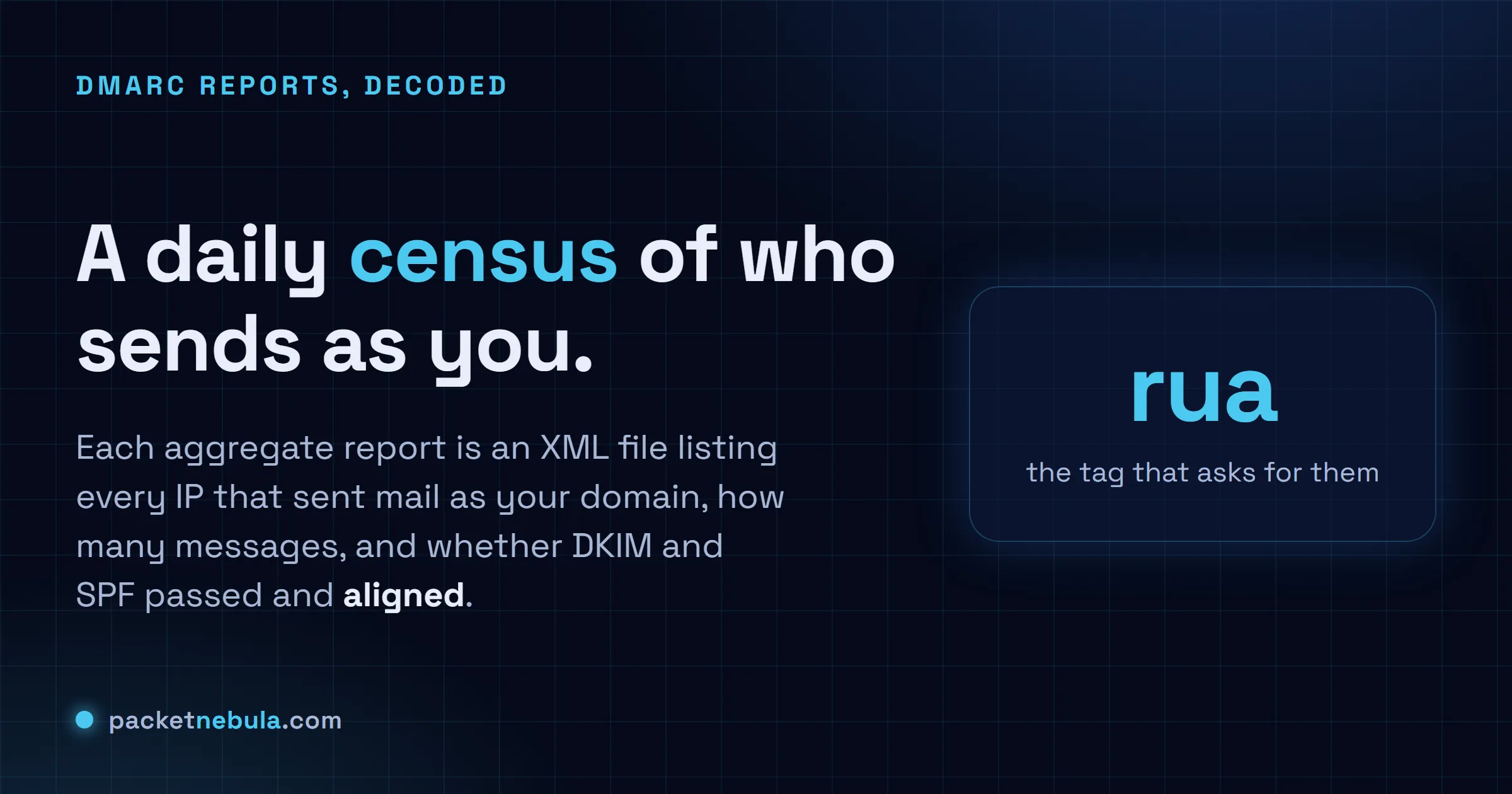
Answer card: a DMARC aggregate report is a daily XML summary of who sent mail as your domain, how many messages, and whether DKIM and SPF passed and aligned.
491
SHARES
1.4k
VIEWS
Share on FacebookShare on Twitter

So you switched DMARC on, and now google.com mails you a little .xml.gz file every morning. You open one, meet a wall of nested tags, and quietly close it again. We've all done that. Here's the part worth knowing first: a DMARC aggregate report is just a daily roll-call of every server that sent mail as your domain, with a pass or fail beside each one. Six fields carry the whole story and the rest is packaging. Read a week of them and you learn something a little uncomfortable, which is who is actually sending email under your name. Your mail server, fine. Also a billing tool from 2019, and every so often a stranger trying you on. This is how you read one without the dread.

The short answer

It’s a daily XML file from the big mailbox providers. Each one lists the servers that sent mail as your domain the day before, how much each one sent, and whether DKIM and SPF passed and lined up with your visible From address. You read them for a single reason: to be sure every real sender of yours authenticates before you ever turn the policy up to reject. The surprise failures are the other half of the job.
dailyone file per provider
6fields carry the story
ruathe tag that turns them on
Answer card: a DMARC report is a daily XML summary of who sent as your domain, how many messages, and whether DKIM and SPF passed and aligned.
Not a spam log. A roll-call of everyone sending under your name.

The file that lands every morning

Publish a DMARC record with a rua address and you have, in effect, asked every mailbox provider on the planet to mail you a daily report. They do. Each morning Gmail, Microsoft, Yahoo and a long tail of smaller receivers send an XML file describing the mail they saw claiming to come from you. That file is the aggregate report, and it’s the one that matters.

Quick reassurance on what it is not. It’s not anyone’s actual email; these reports carry counts and metadata, never message bodies. And it’s not live. Each file covers a window that already closed, usually yesterday. They tend to land gzipped, with names like google.com!yourdomain.com!1718841600!1718928000.xml.gz, where those two long numbers are the start and end of the window in Unix time. Unzip it, get plain XML.

(There’s a second kind too, the forensic or ruf report, per message and heavily redacted. Almost nobody sends them anymore. Forget they exist.)

Not sure where yours are even going? It’s whatever address sits after rua= in the record. Pull it up with a quick DNS lookup on _dmarc.yourdomain.com, or let the SPF, DKIM and DMARC checker lay the whole policy out for you.
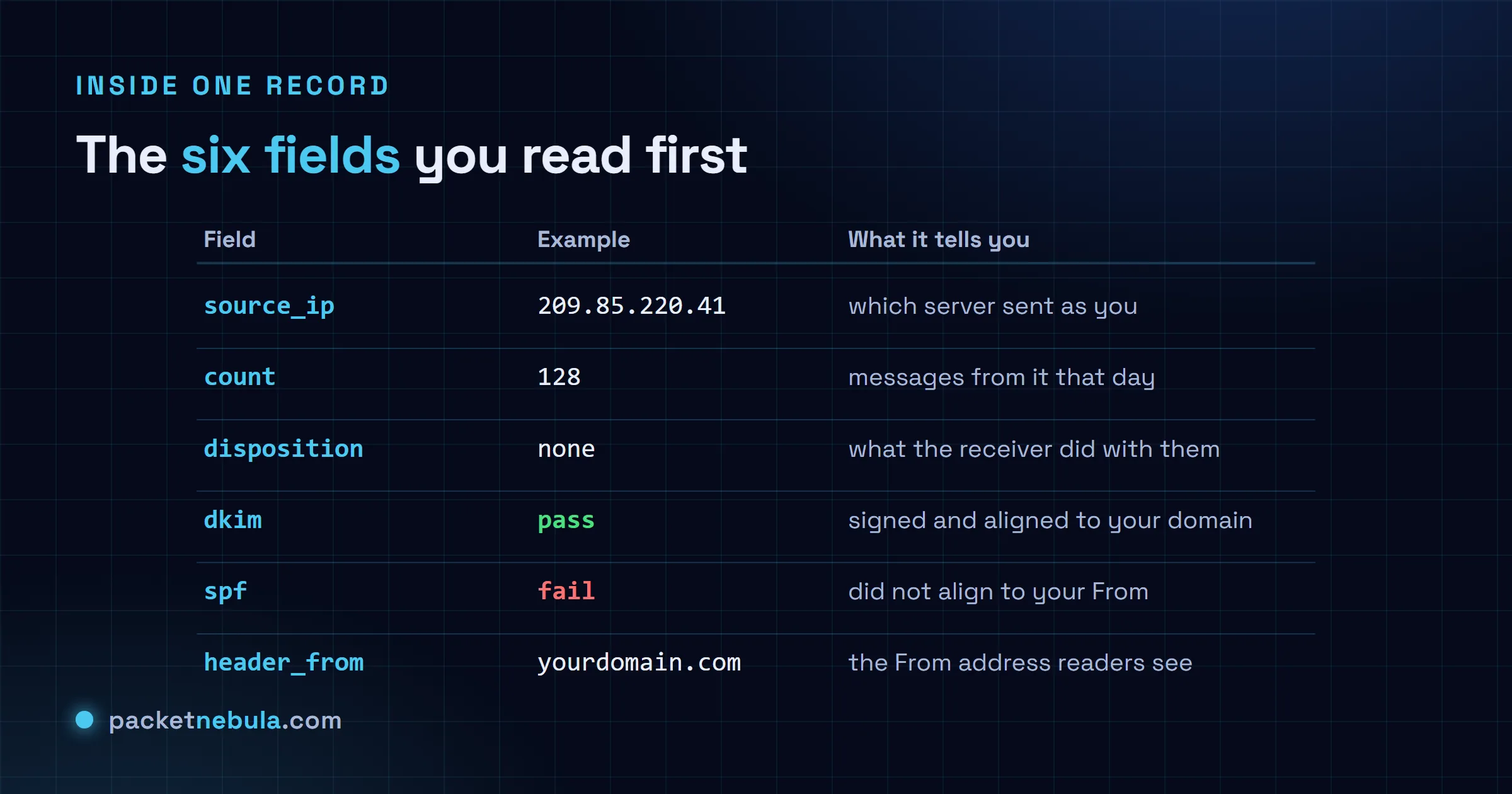
Diagram of a DMARC aggregate report record: source_ip, count, disposition, the DKIM and SPF results, and the header_from domain, each with a plain-English meaning.
Six fields carry the story. The rest is wrapping.

One record, read out loud

Skip past the opening. Every report starts with a report_metadata block (who sent it, what window) and a policy_published block (the policy you had live, p=none and the alignment settings). Glance and move on. The meat is the run of record elements after it, one per sending source. Trimmed down, a single record looks like this:

<record>
 <row>
 <source_ip>209.85.220.41</source_ip>
 <count>128</count>
 <policy_evaluated>
 <disposition>none</disposition>
 <dkim>pass</dkim>
 <spf>pass</spf>
 </policy_evaluated>
 </row>
 <identifiers>
 <header_from>yourdomain.com</header_from>
 </identifiers>
 <auth_results>
 <dkim><domain>yourdomain.com</domain><result>pass</result><selector>s1</selector></dkim>
 <spf><domain>mail.yourprovider.net</domain><result>pass</result></spf>
 </auth_results>
</record>

Read it like a sentence. One IP, 209.85.220.41, sent 128 messages that day signed as yourdomain.com. DMARC came back pass on both DKIM and SPF, so the receiver took the none disposition and just delivered them. Down in auth_results you get the why: DKIM signed under your domain with selector s1, SPF passing under your provider. That’s a clean record. You want every row to be this boring.

The row that earns a second look is the same shape with ugly values: an IP you don’t recognise, a count in the thousands, dkim and spf both reading fail. Now you’ve got a question to answer. Forgotten sender of your own, or somebody wearing your domain? Telling those two apart is more or less the whole job.

The two words that trip everyone: disposition and alignment

Two fields cause most of the confusion, so slow down here.

Disposition is what the receiver did with the mail, full stop. none delivered it, quarantine dropped it in spam, reject bounced it. It tracks whatever policy you published. Sit at p=none and every disposition reads none, no matter how badly the checks failed. That’s deliberate. You’re watching, not enforcing yet.

Alignment is the slippery one, and it explains the single most common “wait, what” in the whole system: a row where SPF says pass and DMARC fails anyway. SPF authenticates the envelope sender, the hidden bounce address, and that very often belongs to your email provider rather than to you. DMARC doesn’t care that some domain passed. It cares that the domain which passed matches the header_from your readers actually see. Pass SPF as mail.yourprovider.net while the From line says yourdomain.com, and they don’t line up, so DMARC fails. Which is exactly why an aligned DKIM signature is the steadier bet: the signing domain is yours, so it matches the From by default. The policy_evaluated block hands you the aligned verdict, auth_results shows the raw checks under it, and when those two seem to argue, alignment is your answer.
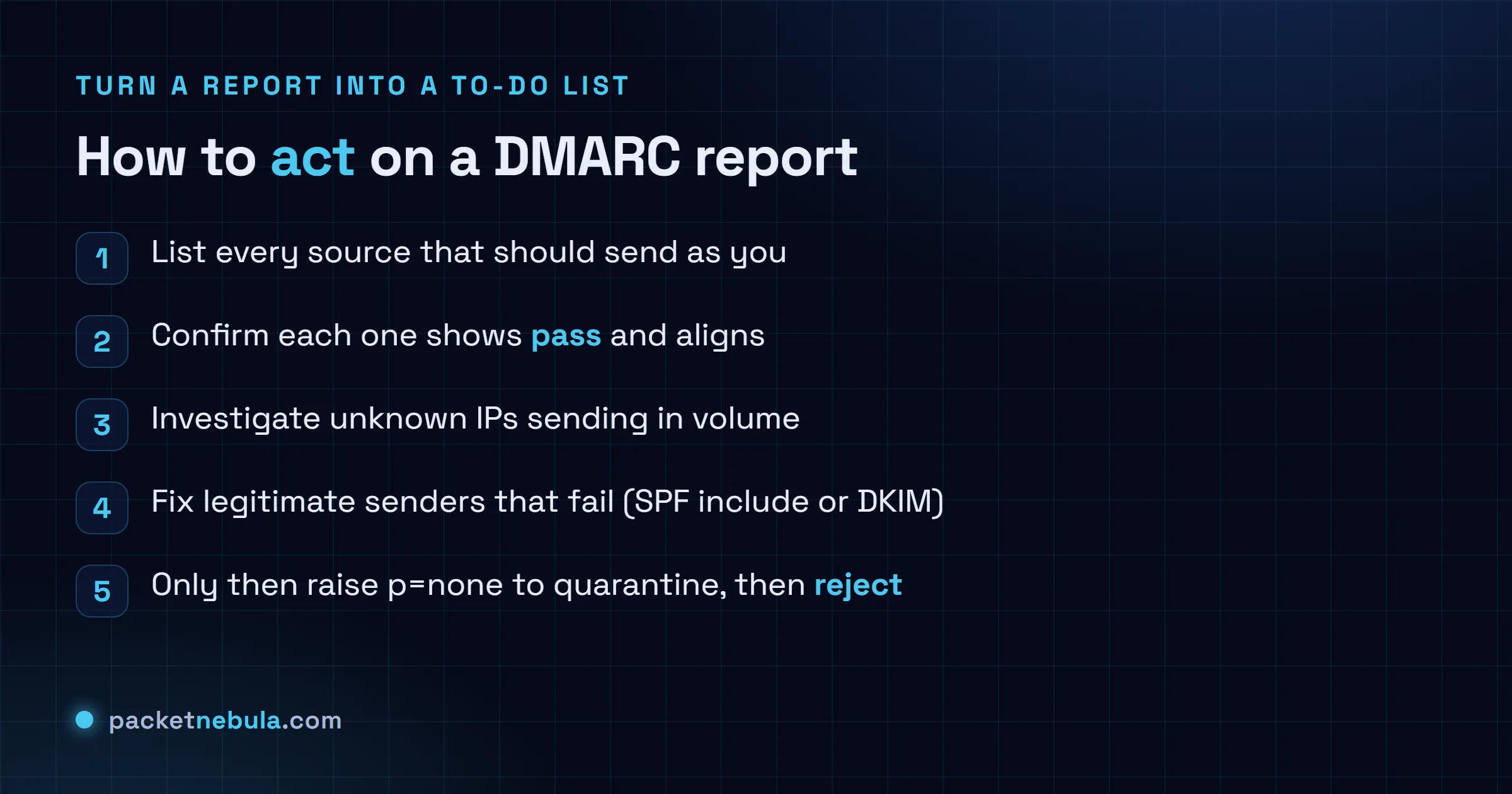
Checklist for acting on DMARC reports: list known senders, confirm each one passes and aligns, investigate unknown failing IPs, fix legitimate senders, then raise the policy.
A report only earns its keep when it becomes this list.

Turn it into a to-do list

All of this feeds one slow, careful rollout, which is the only reason the reports exist in the first place. Start at p=none. Read a fortnight of files. Write down every source that is supposed to send as you: the mail server, the marketing platform, the helpdesk, the invoicing thing, that one cron job on a box you’d half forgotten about. Check each one passes and aligns. Where a real sender fails, fix it where it lives, usually by adding it to your SPF record or switching on the provider’s DKIM, then watch the next day’s reports to see the fix take.

Only once every known sender is green do you tighten the screw: p=quarantine first, often with a pct value to ease into it, then p=reject.

And one trap that sounds too obvious to write down, except people fall into it constantly. A screen full of “100 percent pass” is not the finish line on its own. It only tells you everything currently sending is authenticating. If you have not actually named each passing source, you might be cheerfully authenticating a sender you don’t control. Pass and recognised. That’s the bar.

At a trickle you can do the whole thing by eye, squinting at XML over coffee. To read one report right now without the squint, paste it into our DMARC report parser: it lays the record out as a table in your browser, pass or fail and aligned or not, with nothing uploaded. Once the files arrive by the dozen and you want them ingested and stored on a schedule, that is the job for heavier tooling like the open-source parsedmarc. The loop doesn’t change either way. See who’s sending as you, fix the ones that ought to pass, and keep going until the only thing still failing is mail you’re happy to bounce.

Frequently asked questions

What is the difference between a DMARC aggregate and forensic report?

Aggregate reports, the ones at your rua address, are daily XML summaries: per sending IP, how many messages, pass or fail, and no message content. Forensic reports (ruf) are per-message and redacted, and barely anyone sends them now, so for all practical purposes you live in the aggregate ones.

How often do DMARC reports arrive?

About once a day from each provider that bothers. Gmail, Microsoft and Yahoo each send their own, so a domain with real traffic picks up several a day, each covering its own 24 hour window. A quiet domain might see a few a week.

What does disposition none mean in a DMARC report?

It means the receiver delivered the message as usual despite the result, because your policy is still p=none. That is the whole point of the observation stage: you collect the data without breaking any mail. Move to quarantine or reject and the disposition field starts showing that enforcement on failing messages.

Why does SPF pass but DMARC still fail?

Alignment. SPF checks the hidden envelope sender, which often belongs to your email provider, not to you. DMARC also wants the domain that passed to match the From address your readers see, and when those two differ it fails anyway. An aligned DKIM signature is usually the steadier route, because the signing domain is your own.

Do I need a paid tool to read DMARC reports?

Not for a small domain. The XML reads fine by hand once you know the six fields, and a quick records check confirms the setup. When the files start arriving by the dozen, a parser earns its keep: a hosted dashboard, or the free open-source parsedmarc, just so you are not opening gzip attachments all day.

Tags: articledeliverabilitydmarcdnsemailemail-dns
Share196Tweet123
stephane

stephane

  • Trending
  • Comments
  • Latest
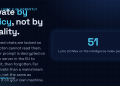
Answer card: Proton Lumo 2.0 is private by policy, not by locality. Saved history is locked so even Proton cannot read it, but the prompt is decrypted on a Proton EU server to answer it, then forgotten.

Proton Lumo 2.0 review: how private is it, really?

3 September 2026
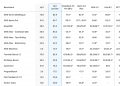
The Agentic Coding section of the official Hy4 preview benchmark appendix published by Tencent, a table comparing Hy3 and Hy4 preview against DeepSeek V4 Pro 0813, Qwen 3.8 Max, GLM 5.3, Kimi K3, GPT 5.6 Sol and Claude Opus 5 across SWE-bench Multilingual, SWE-bench Pro, DeepSWE, three SWE Atlas tasks, SWE-Marathon, Terminal-Bench 2.1, NL2Repo-Bench, CyberGym, ProgramBench, PostTrainBench and Harbor-Index.

Tencent’s 770B Hy4 tops one benchmark row in 46

3 September 2026
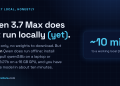
Answer card: Qwen 3.7 Max is API-only and cannot run locally yet; the open Qwen models (Qwen 3.6 27B, qwen3:8b to 32b) run offline via Ollama.

Qwen 3.7 local: what you can actually run offline

22 June 2026
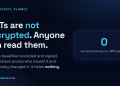
Answer card: JWTs are not encrypted, anyone can read them; the signature proves who issued the token, not who may read it.

Are JWTs encrypted? No, and the difference will bite you

0
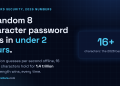
Answer card: a random 8 character password falls in under 2 hours offline, while 16 random characters hold for 1.4 trillion years at the same speed.

How long does it take to crack a password in 2026?

0
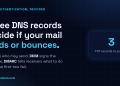
Answer card: three DNS records decide if your mail lands or bounces; SPF lists allowed senders, DKIM signs messages, DMARC sets the failure policy.

SPF, DKIM and DMARC explained: the records your email needs

0
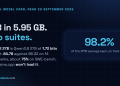
Answer card stating that Ternary Bonsai 2 27B, released by PrismML on 17 September 2026 under Apache 2.0, packs Qwen3.8 27B into 5.95 gigabytes at 1.72 bits per weight, keeps 98.2 percent of the 14-benchmark average, about 75 percent on SWE-bench Verified and Terminal-Bench 2.1, and needs PrismML's llama.cpp fork to run.

Does Bonsai 2 27B really keep 98% of Qwen3.8 in 5.95 GB?

20 September 2026
Answer card stating that Jev 1.13 from TypeSafe AI is a decision model in early access since 15 September 2026 that returns typed probabilities instead of text, priced at 42 dollars per billion input tokens with output tokens free, answering in 70 to 500 milliseconds, with a 64K token request budget, text input only, and a documented list of things it does badly, including counting and dates.

Jev 1.13 bills $42 a billion tokens, and it can’t count

19 September 2026
Answer card stating that Qwen3.8-Omni-Flash launched on 17 September 2026 as an API only model on Alibaba Cloud Model Studio, taking text, images, audio and video in a 1M token context and returning text only, priced at 0.15 dollars per million input tokens for every modality and 0.47 dollars per million output tokens in the international regions, with no open weights published and the Qwen-Live Harness GitHub repository returning 404.

Qwen3.8-Omni-Flash bills audio at $0.15 and ships no weights

18 September 2026
  • About
  • Contact
  • Privacy
  • Legal

Copyright © 2026 Stephane Cardon.

Welcome Back!

Login to your account below

Forgotten Password?

Retrieve your password

Please enter your username or email address to reset your password.

Log In
No Result
View All Result
  • Home
  • Articles
    • Security
    • Network
    • Dev
    • Sysadmin
    • SEO
    • Email & DNS
  • Tools
    • Network tools: free, fast, no signup
    • Security tools: free, fast, no signup
    • Developer tools: free, fast, no signup
    • Sysadmin tools: free, fast, no signup
    • SEO tools: free, fast, no signup
    • Email & DNS tools: free, fast, no signup
  • Download
  • About

Copyright © 2026 Stephane Cardon.