

The service is down, you've got a shell, and the fix is one systemctl verb away. systemctl status nginx tells you whether it's running and tails the last few log lines. sudo systemctl restart nginx bounces it, and sudo systemctl enable --now nginx starts it and sets it to come back after a reboot. The trap we see constantly: start and enable aren't the same thing. start runs it right now and forgets it at reboot, while enable only registers it for boot. --now does both at once, which is almost always what you actually meant. And when a service refuses to come up, journalctl -u nginx shows you why. Here's each verb, plus how to read the logs when one won't start.
The short answer
systemctl status name checks it, sudo systemctl restart name bounces it. sudo systemctl enable --now name starts it and makes it survive reboots. When it won’t start, journalctl -u name has the why.
Check a service, then start or restart it
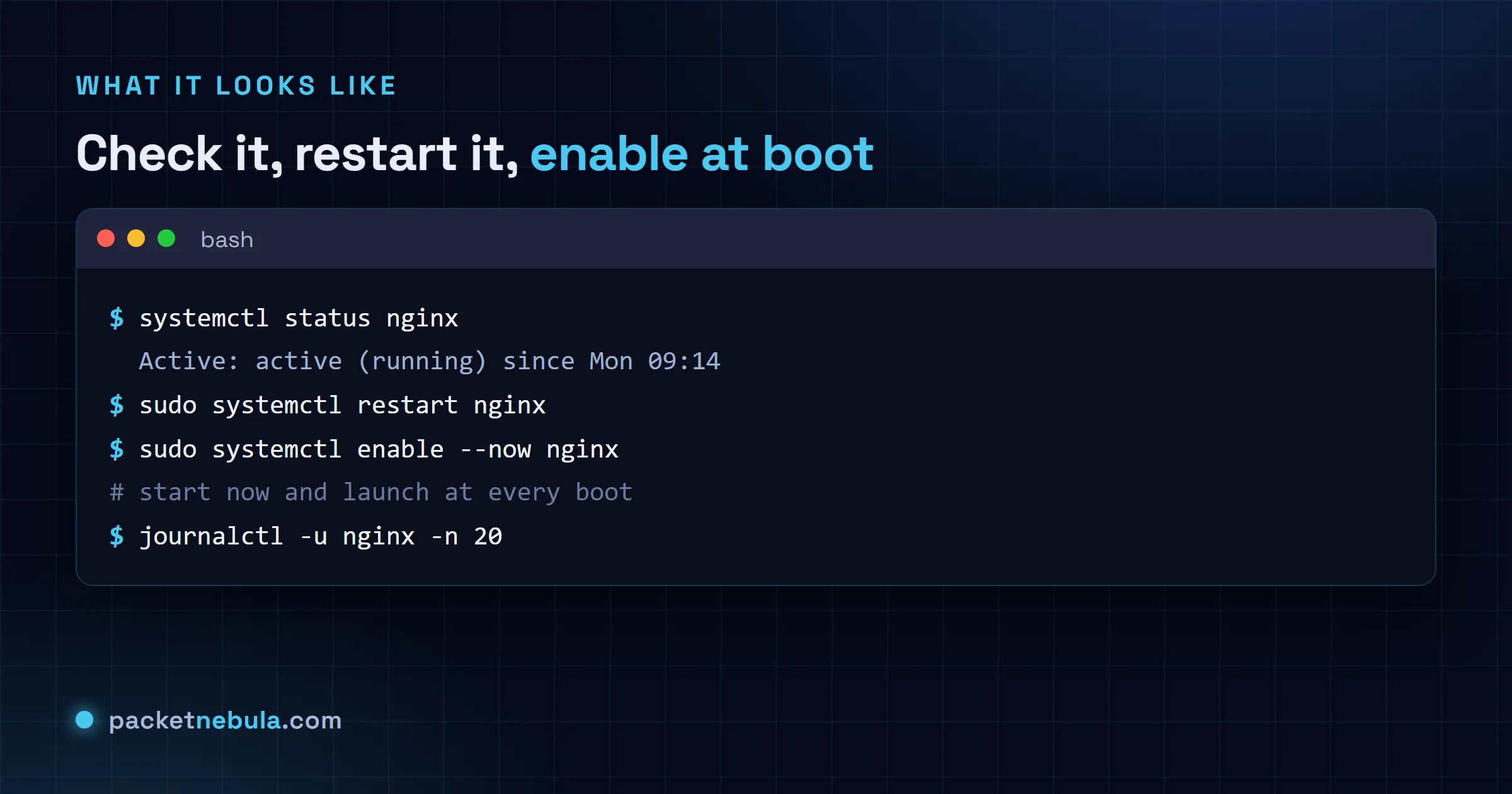
systemctl status nginx
Green active (running) is what you’re after. The output also tails the last log lines, so a failure usually explains itself right there. No digging.
sudo systemctl restart nginx
start and stop do what they say. After a config change we prefer reload, which re-reads the config without dropping anyone’s connection.
Enable at boot, the part people miss
sudo systemctl enable --now nginx
start runs it now but won’t survive a reboot. enable sets it to launch at boot without starting it this second. --now does both, which is almost always what you actually meant. We’ve lost count of boxes where a service vanished at the first reboot because someone typed start and walked away.
Read the logs when it won’t start
journalctl -u nginx -n 50
-u scopes it to one service and -n 50 shows the last 50 lines. Add -f to follow new entries live while you reproduce the problem. The reason it died is almost always sitting in those lines.
The step people miss after editing a unit file: systemd is still running the old copy until you tell it to re-read them. Edit, reload, then restart, in that order, or you’ll spend twenty minutes wondering why your change has no effect.
sudo systemctl daemon-reload && sudo systemctl restart myservice
When a service refuses to start, systemctl status shows you the last few log lines and usually truncates the one that matters. Go straight to the journal instead, which gives you the full output plus the explanation of the exit code.
journalctl -xeu myservice
And enable alone only arranges for a service to start at the next boot, which is why a freshly enabled service is often still not running. systemctl enable --now does both in one go, and it’s what you almost always meant.
Frequently asked questions
What’s the difference between start and enable?
start runs the service this second and forgets it after a reboot. enable registers it to launch at boot but doesn't touch it right now. You almost always want both, and that's exactly what "sudo systemctl enable --now name" gives you.
How do I see why a service failed to start?
Read its logs with "journalctl -u name". Add -n 50 for the last 50 lines, or -f to follow live while you poke at it. "systemctl status name" often does the job on its own, since it prints the last few lines anyway.
Do I need sudo for systemctl?
Not for reading. status and the is-active or is-enabled checks run fine as a normal user. Anything that changes state (start, stop, restart, enable, disable) needs sudo, since you're altering a system service. Reading is free, changing isn't.
What’s the difference between restart and reload?
restart stops the service and starts it again, so current connections drop for a moment. reload asks it to re-read its config without a full stop, when the service supports it (nginx does). We reach for reload after a config change and keep restart for when reload isn't enough.


.jpg)
